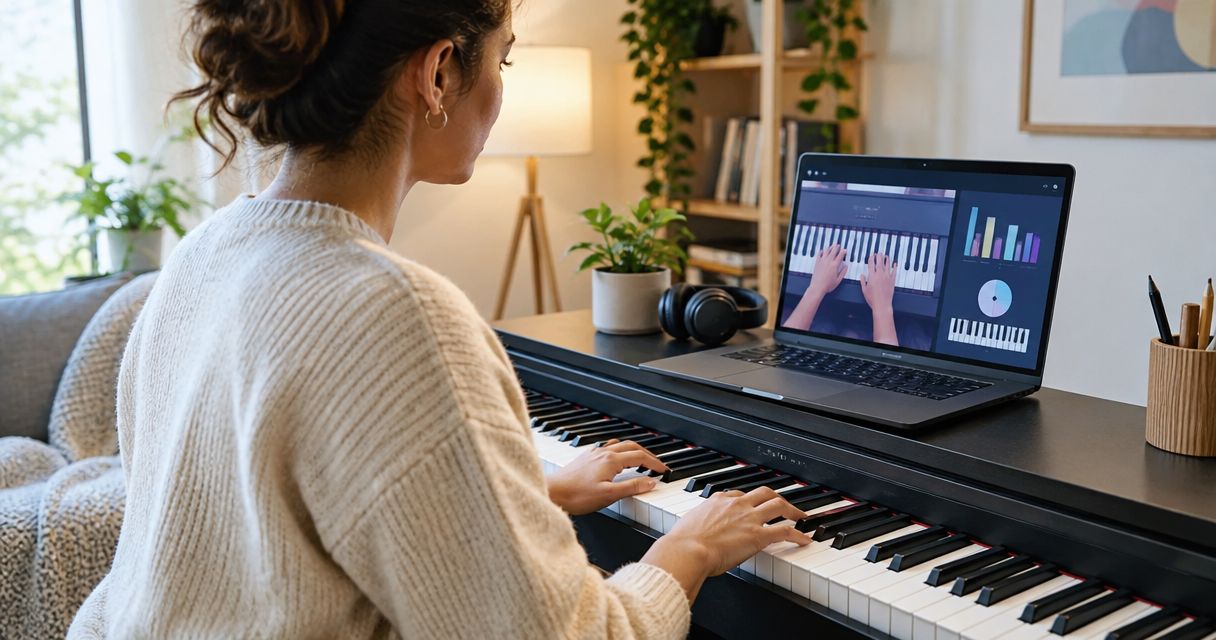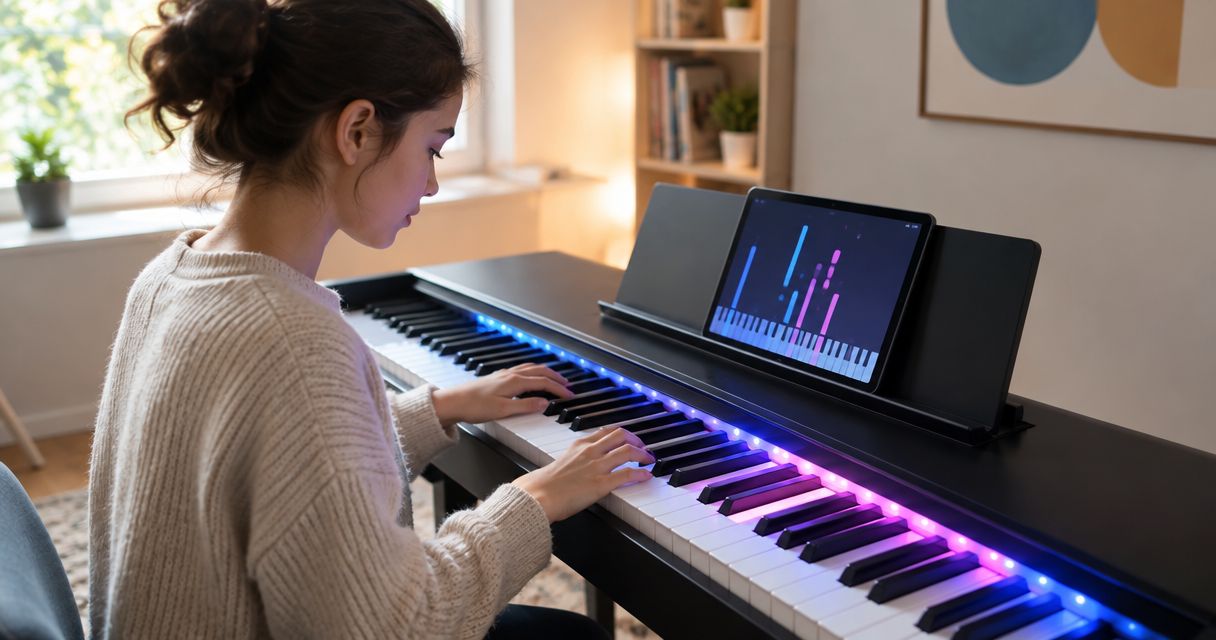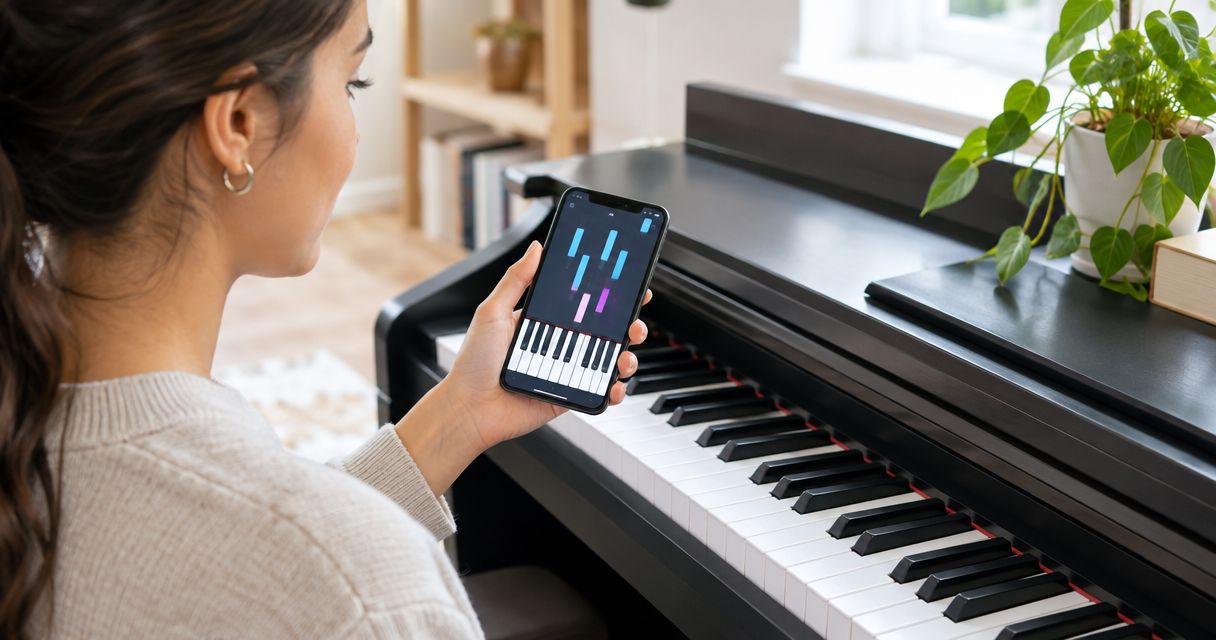
Best overall for a structured start: Simply Piano. Best for finding keys through physical light cues: Piano LED Plus. Best for learning through songs: flowkey. This 2026 guide compares beginner piano apps by how they teach, what you practise and how much guidance you need at the keyboard.
- For a learn piano keyboard app, choose Simply Piano for a structured beginner starting point.
- Piano LED Plus suits beginners who want app-synced lights to show which keys to play.
- Choose flowkey for song-led learning, Skoove for guided lessons, or Piano Marvel for sight-reading practice.
- Check instrument compatibility before choosing; note recognition and physical light guidance are different forms of help.
Why this matters
A beginner piano app should solve your immediate problem, not just give you more songs. Finding the right key, reading a note and keeping a steady pulse are separate skills. Choose the teaching format that addresses the skill stopping you from playing.
Pianoledshop offers Piano LED Plus, an app-synced LED learning system for hobbyists and beginners. It belongs in this comparison because physical guidance is another way to start playing, but it is not a software-only alternative.
Pianoledshop’s Piano LED Plus learning system is best for beginners who want physical light cues on their keyboard. Choose it for that specific need, rather than treating lights as a substitute for every part of piano instruction.
What makes the best beginner piano learning app?
Use these criteria to choose a piano learning app in 2026:
- Teaching sequence: Look for a clear route from locating notes to playing short musical phrases. A song library alone is not a curriculum.
- Feedback method: Distinguish note-detection feedback from demonstrations and physical key guidance. Each solves a different problem.
- Reading practice: Decide whether you want to read notation now or begin with visual cues. Your choice changes which format fits.
- Practice control: Check whether you can slow material down, repeat difficult sections and work on hands separately.
- Instrument fit: Confirm the connection and device requirements for your exact keyboard and chosen app before committing.
- Independent playing: Prefer a routine that includes playing without prompts. Following an app and remembering a phrase are different tasks.
These criteria put instructional fit ahead of catalogue size. If you cannot understand the next exercise, having more material does not resolve the obstacle. Likewise, an app that identifies notes does not automatically assess your posture or hand movement.
Beginner piano learning options at a glance
| Option | Best for | Standout approach | Key limitation |
|---|---|---|---|
| Piano LED Plus | Physical guidance on the keyboard | Lights synced to an app indicate keys to play | Requires a physical system; cues do not replace notation study |
| Simply Piano | A structured beginner starting point | Guided courses with note-recognition feedback | App feedback is not a full assessment of technique |
| flowkey | Learning through songs | Performance videos paired with notation | Song work needs a separate plan for broader skill development |
| Skoove | Guided lessons with musical explanations | Interactive instruction and playing feedback | Screen-based guidance cannot correct every physical habit |
| Piano Marvel | Focused sight-reading practice | Notation-based exercises and assessment | A reading-first approach asks beginners to engage with notation |
This is a use-case ranking, not a claim that one option teaches every beginner better. Start with the row describing your actual difficulty. In 2026, compatibility still needs checking against the current requirements of each option.
1. Piano LED Plus: best for physical key guidance
Piano LED Plus teaches hobbyists and beginners to play songs by following lights synced to an app. Its distinction is where the guidance appears: on the physical keyboard rather than only on a separate screen.
That approach fits a beginner whose immediate question is which key to press. Pianoledshop’s piano learning system gives visual prompts a physical location, while leaving you responsible for listening, coordinating your hands and developing independent recall.
Piano LED Plus pros:
- Places the key-selection cue on the instrument you are playing.
- Connects song learning with app-synced light guidance.
- Suits a beginner who prefers a visible prompt over starting entirely from notation.
Piano LED Plus cons:
- Requires physical equipment rather than an app alone.
- Following lights is not the same task as reading a score.
- You still need separate attention to fingering, posture and musical phrasing.
Best for: Beginners and hobbyists who want help locating the next key while learning songs.
Before choosing, check the system’s current requirements against your keyboard. Do not assume that owning a digital piano establishes compatibility, or that every bundle suits the same setup.
Verdict: Buy for physical light guidance; skip if you want software-only learning.
Choosing a system or a piano bundle
Pianoledshop lists Piano LED Plus as a standalone product and in piano bundles. Start by deciding whether you need a learning system for an instrument you already own or a package that also includes a piano. Then check the exact product details rather than transferring specifications between models.
The following options illustrate that distinction. Their names identify the products; they do not establish which is compatible with your existing equipment.


2. Simply Piano: best for a structured beginner start
Simply Piano uses guided courses and note-recognition feedback to take beginners through playing exercises. Choose it when you want an instructional sequence rather than having to build your own route through a collection of songs.
The practical benefit is a defined next activity. You can concentrate on the exercise in front of you, then use independent practice to check whether you remember what it taught.
Simply Piano pros:
- Organises beginner learning into guided courses.
- Gives note-recognition feedback during supported exercises.
- Provides a starting point for learners who do not know what to practise next.
Simply Piano cons:
- Recognising notes does not establish that your physical technique is sound.
- Completing an exercise does not prove that you can play it without prompts.
- You need to check the current device and instrument requirements.
Best for: Beginners who want a course-led starting point and clear exercise progression.
Do not treat course completion as the only goal. After an exercise, look away from the screen and play its musical idea again. That extra step checks recall rather than your ability to follow instructions.
Verdict: Buy for a structured start; skip if physical key cues are your main requirement.
3. flowkey: best for learning through songs
flowkey pairs piano performance videos with notation and supports song-based learning. It suits a beginner who wants to connect the notes on a score with what a pianist’s hands are doing.
Choose manageable material rather than starting with your favourite piece regardless of difficulty. The value of song-led learning comes from studying a passage you can work through, not simply watching a performance you admire.
flowkey pros:
- Connects written music with visible keyboard demonstrations.
- Provides a song-led route into practice.
- Gives you a visual reference when studying a passage.
flowkey cons:
- Choosing songs does not automatically create a balanced practice plan.
- Watching hands is not personalised fingering instruction.
- You still need to test whether you can play without the demonstration.
Best for: Beginners motivated by particular songs who also want a notation reference.
Give each song a learning purpose. One passage might help you coordinate hands; another might introduce unfamiliar notes. If every session consists of restarting the same difficult song, change the task rather than repeating the frustration.
Verdict: Buy for song-led practice; skip if you need a fully prescribed learning route.
4. Skoove: best for guided musical explanations
Skoove combines interactive piano lessons with playing feedback and musical instruction. It fits a beginner who wants explanations alongside practical exercises, rather than learning only by copying a song demonstration.
Use the explanations actively. When a lesson introduces a musical idea, find another example of that idea at the keyboard before moving on. This turns an instruction into something you can recognise and use.
Skoove pros:
- Combines guided instruction with playing exercises.
- Connects musical concepts with keyboard activity.
- Offers an alternative to building your own song-only routine.
Skoove cons:
- Screen-based instruction does not provide a teacher’s view of your movement.
- Understanding an explanation does not establish fluent playing.
- Instrument and device requirements need checking before selection.
Best for: Beginners who want to understand the musical ideas behind an exercise.
Keep explanation and execution separate in your self-check. You should be able to describe what the exercise asks, then demonstrate it without reading the instruction again. If only one part works, practise the other.
Verdict: Buy for guided explanations; skip if your priority is physical light guidance.
5. Piano Marvel: best for sight-reading practice
Piano Marvel centres on notation-based piano practice, exercises and assessment, including sight-reading work. Choose it when reading unfamiliar music is a specific goal rather than an optional addition to learning songs.
A reading-first approach asks you to connect the score with the keyboard. That is useful for your stated goal, but it is a different starting experience from following illuminated keys.
Piano Marvel pros:
- Makes notation a central part of practice.
- Includes structured exercises and assessment.
- Fits a routine built around reading unfamiliar material.
Piano Marvel cons:
- Requires willingness to work directly with notation.
- Performance assessment is not a complete evaluation of physical technique.
- Repeating familiar exercises is not the same as reading new music.
Best for: Beginners who specifically want to develop sight-reading skills.
Separate reading practice from polishing a piece. In reading practice, your task is to interpret unfamiliar material. When polishing a piece, repetition and memory have different roles. Mixing the two makes your progress harder to judge.
Verdict: Buy for notation-focused practice; skip if you want a light-led introduction.
How the ranking works
This 2026 ranking uses teaching format, feedback, reading practice, practice control and instrument fit. The first position highlights physical guidance; the overall software recommendation favours a structured beginner start. Neither position implies measured learning-speed results.
The deciding question is simple: what prevents you from practising independently? Choose lights for key-location guidance, a course for sequencing, song demonstrations for repertoire work, or notation-focused exercises for reading. Catalogue size comes after that decision.
Turn your choice into a useful practice routine
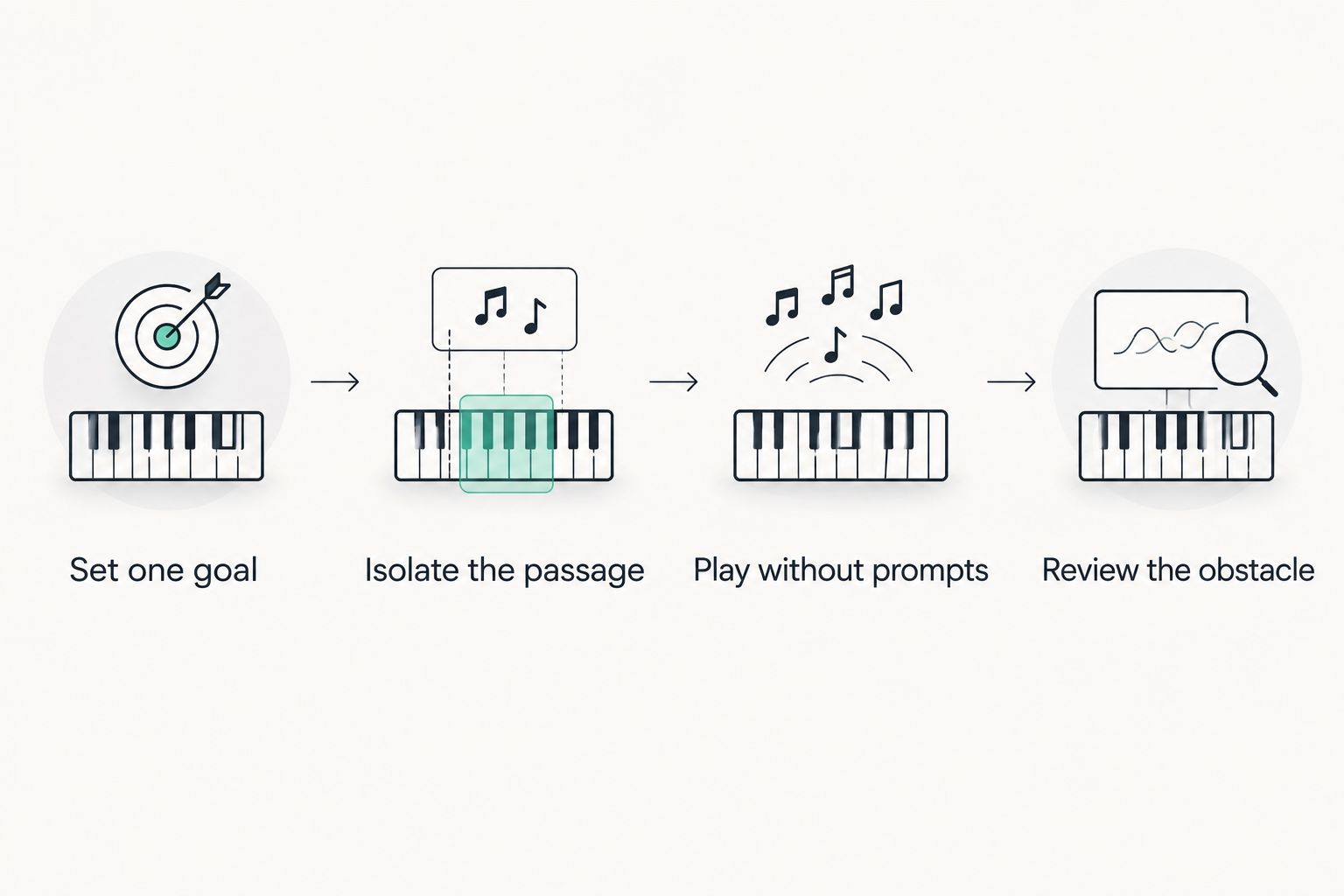
For your 2026 practice plan, use the same short sequence regardless of which option you choose. The following timings are a suggested routine, not a claim about how quickly you will learn.
Set one goal
Choose one task before opening the app: locate unfamiliar notes, coordinate a passage or read a short phrase. Avoid combining all three into a single test of whether you are good at piano.
Isolate the passage
Spend 5 minutes on 2 bars that need attention. Work on the relevant hand or movement before returning to the whole piece. A small passage gives you a clear problem to solve.
Play without prompts
Use the next 5 minutes to attempt the passage without the video, light cue or exercise instruction. If you lose your place, identify the exact note or movement causing the break. Then restore only the help you need.
Review the obstacle
Finish your 10-minute session by naming what still interrupts the passage. Write a specific next task, such as locating a note or connecting the hands, instead of recording only that the piece was difficult.
Which beginner piano learning option should you choose?
Choose Simply Piano as the default for a structured software-led start. Choose flowkey when songs are your main motivation, Skoove when you want guided explanations, and Piano Marvel when sight-reading is the goal.
Choose Piano LED Plus when physical cues address your immediate difficulty. Pianoledshop’s piano learning system belongs in that decision because it changes where you receive guidance, not because it removes the need to practise independently.
If you searched for a learn piano keyboard app, decide on the teaching format before comparing individual features. Your first choice should support the next skill you need, with a routine that checks what you can do without help.
FAQ
What's the best piano learning app for a complete beginner in 2026?
Simply Piano is the default recommendation here for a structured beginner start. Choose a different option when your main need is physical key guidance, song demonstrations or sight-reading practice.
What should I look for in a learn piano keyboard app?
Look for a teaching format that addresses your immediate difficulty and supports your instrument. Check the lesson sequence, feedback method and opportunities to practise without prompts.
Is Piano LED Plus an app or a physical learning system?
Piano LED Plus is a physical LED-light-guided learning system with lights synced to an app. It teaches beginners and hobbyists to play songs by following those lights.
Is flowkey better than Simply Piano for beginners?
Choose flowkey for song-led learning and Simply Piano for a structured beginner starting point. The better fit depends on whether you want to select songs or follow a course-led sequence.
Can an app teach me proper piano technique?
An app can demonstrate and guide practice, but note feedback does not fully assess physical technique. Get direct instruction when you need correction of posture, fingering or movement.
Do piano learning apps work with every keyboard?
Do not assume that a piano learning app works with every keyboard. Check the current requirements for the app, device, instrument and connection you intend to use.
Will following piano lights teach me to read sheet music?
Following piano lights and reading sheet music are different tasks. Add notation practice when reading music is one of your goals.
How long should a beginner practise with a piano app?
Start with a manageable session focused on one task rather than a promised learning deadline. Include guided practice and an attempt without prompts, then use the remaining obstacle to plan your next session.
One last thing
Before repeating a lesson, change what you are testing. First follow the instructions, then play without them. A passage you can complete with guidance becomes a different task when the guidance disappears; that difference tells you what to practise next.