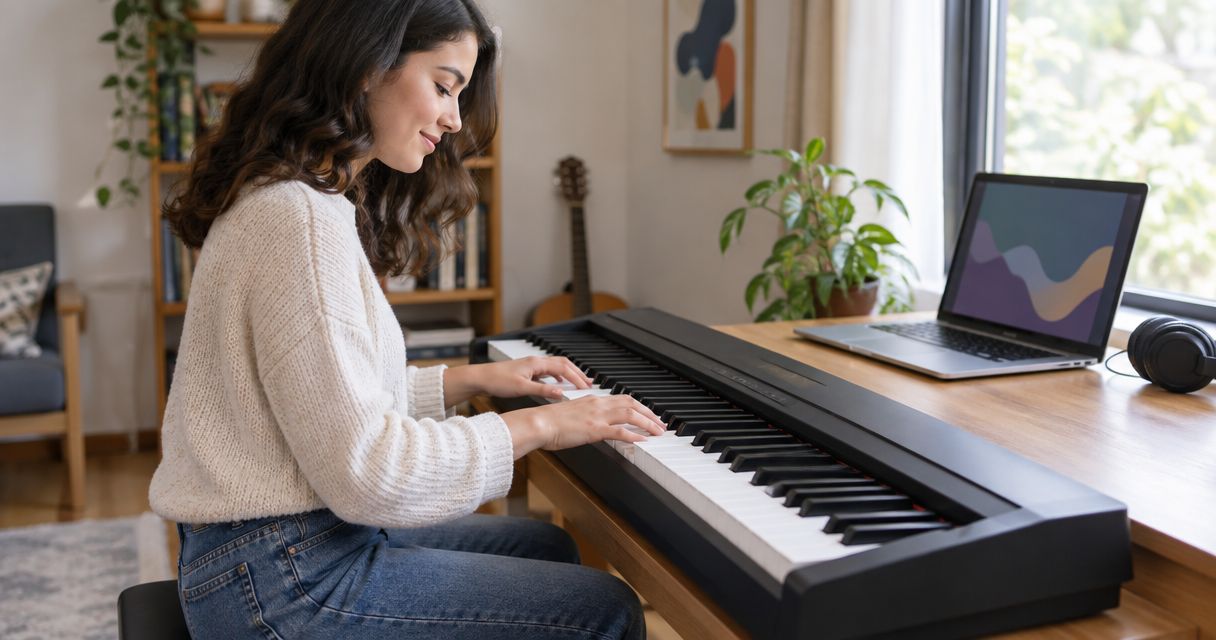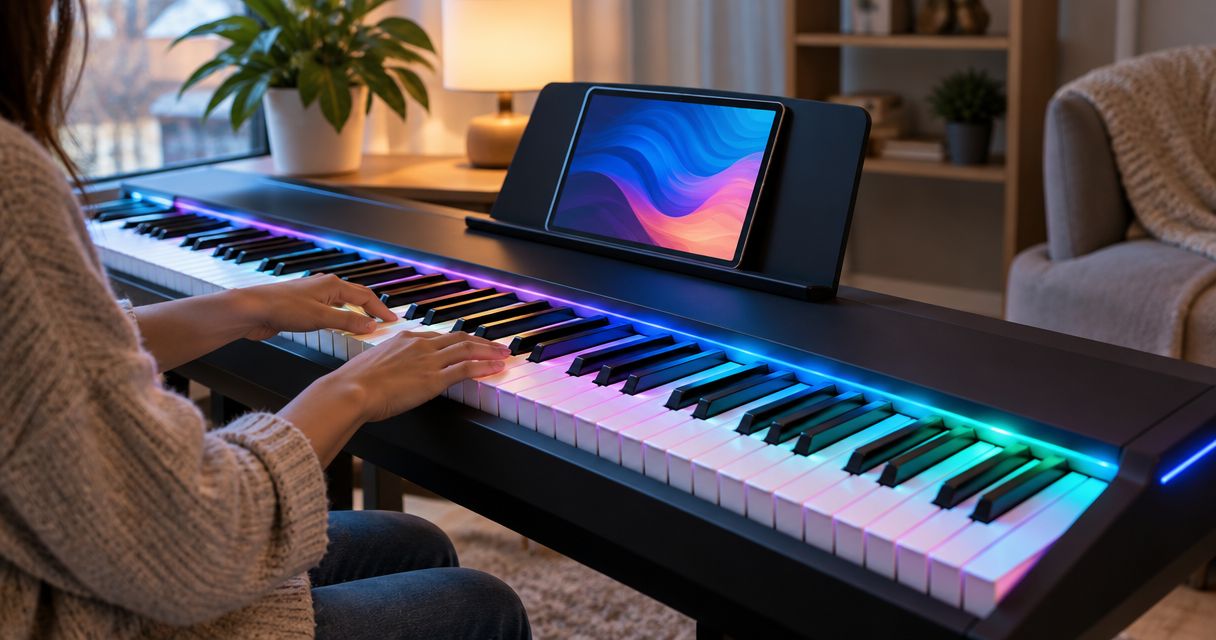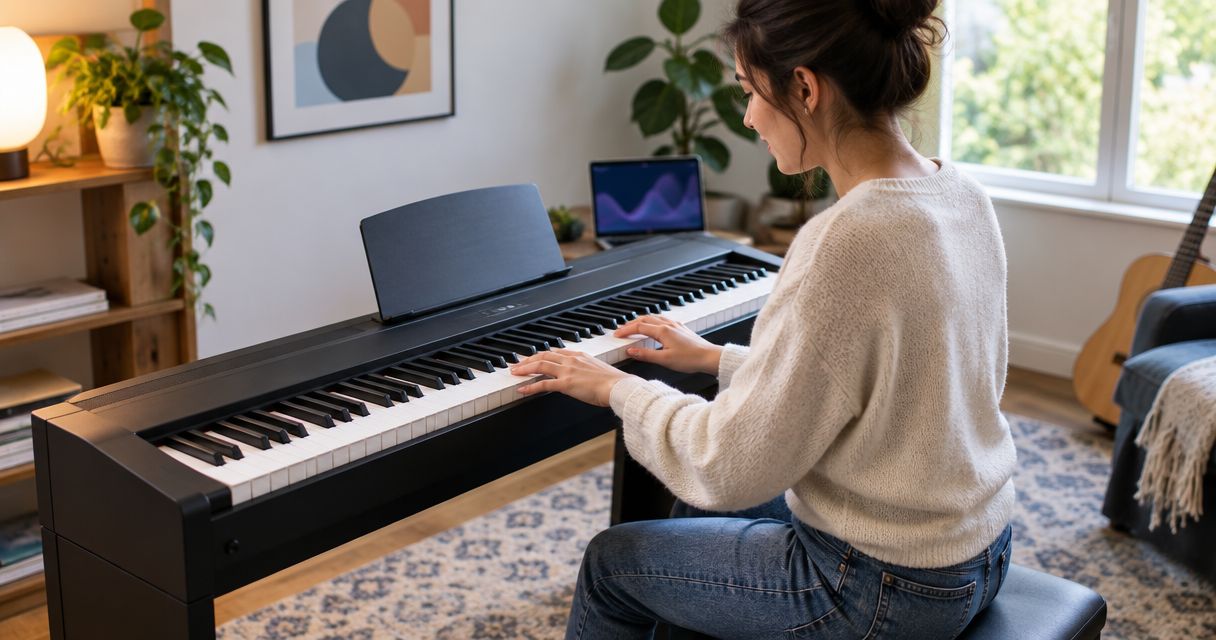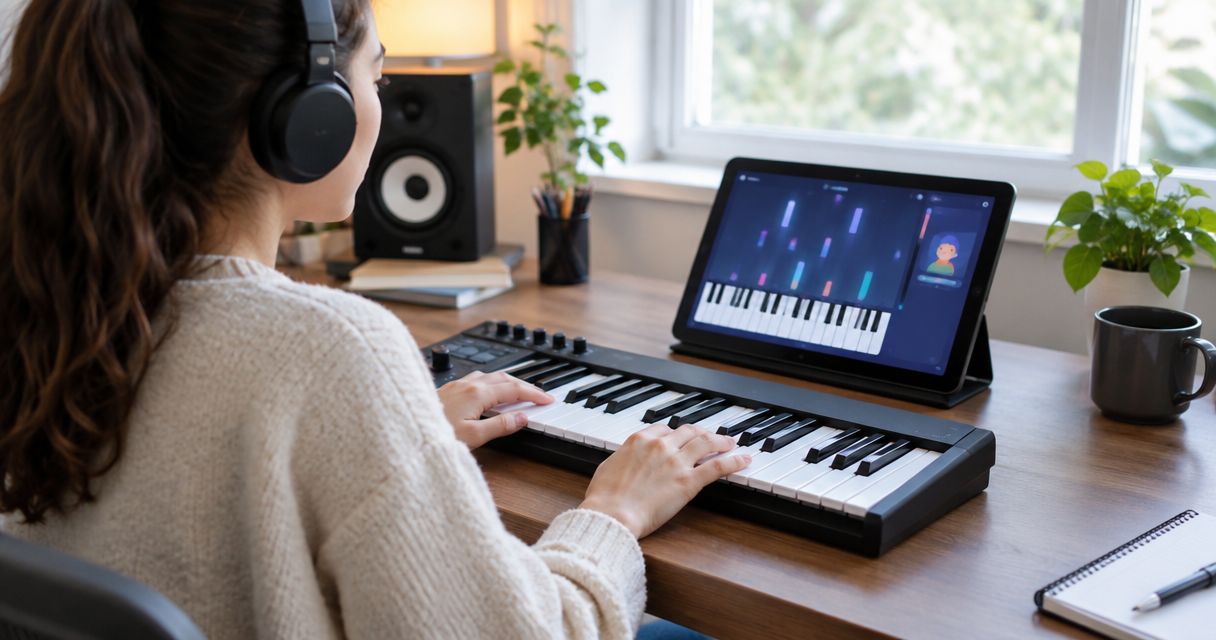
Best overall for light-guided song practice: Piano LED Plus 2026 with a compatible keyboard. Best for piano technique: a MIDI-capable digital piano with a structured learning app. Best for a small desk: a compact MIDI controller with a learning app. Pianoledshop sells the light-guided system and keyboard bundles; this guide compares the three setup types so you can choose the right learning method in 2026.
- Piano LED Plus 2026 is the best fit here for beginners who want to follow app-synced lights.
- Choose the best midi keyboard with learning app by connection, key action, and teaching style—not keyboard size alone.
- A MIDI-capable digital piano suits piano technique; a compact MIDI controller suits desk-based practice.
- Confirm the exact keyboard, app, and device connection before choosing any setup.
Why this matters
A keyboard and a learning app solve different problems. The keyboard determines what you feel under your fingers; the app determines what you practise and which mistakes it identifies. Buying one without checking the other leaves the learning experience unfinished.
MIDI communicates performance information, such as which note you pressed. It does not, by itself, provide lessons or transmit recorded piano sound. A USB socket also does not establish that a particular learning app can read the keyboard.
For your 2026 shortlist, start with the task you want to accomplish: follow lights to play songs, develop conventional piano skills, or practise at a desk. Choose the learning method first, then confirm the hardware connection.
What makes the best MIDI keyboard with a learning app?
Use these criteria before comparing features:
- Connection: The exact keyboard must send MIDI through a connection supported by your app and device. Check the complete route, including cables and adapters.
- Guidance: Decide whether you want physical key lights, notation lessons, or on-screen note prompts. These are different teaching experiences.
- Key action: Weighted keys serve a different purpose from lightweight controller keys. Match the action to your piano-playing goal.
- Keyboard range: A standard piano has 88 keys. Smaller keyboards save space but restrict how much music you can play without shifting octaves or changing the arrangement.
- Feedback: Establish what the app evaluates. Recognising the correct note is not the same as evaluating posture, fingering, or musical expression.
- Independent practice: Your setup should support practice without constant prompts. Learning a passage matters more than completing its screen animation.
No single feature wins every category. An illuminated note cue is useful for locating a key, while weighted action addresses how the key responds to your touch. Neither replaces the other.
The best setups at a glance
These rankings compare learning approaches, not universal compatibility across every keyboard and app. Each recommendation has a separate job.
| Rank and setup | Best for | Standout feature | Key limitation |
|---|---|---|---|
| 1. Piano LED Plus 2026 with a compatible keyboard | Light-guided songs | Physical lights synced to an app show the notes to follow | Following lights does not establish independent reading or correct technique |
| 2. MIDI-capable digital piano with a structured learning app | Piano technique | A piano-focused instrument paired with lesson guidance | Weighted action and sufficient key range do not guarantee useful app feedback |
| 3. Compact MIDI controller with a learning app | Desk practice | A smaller keyboard for computer-based learning | A controller-only setup needs a separate sound source and has limited range |
Pianoledshop's light-guided learning setup is the best fit in this guide for hobbyists and beginners who want to learn songs by following app-synced lights. Choose a different setup when key action or desk space is your deciding factor.
1. Piano LED Plus 2026: best for light-guided songs
Piano LED Plus 2026 teaches hobbyists and beginners to play songs by following lights synced to an app. The visual instruction sits at the keyboard, where you need to find the next note. Pianoledshop offers the learning system and product bundles.
This approach suits you if locating notes is your immediate obstacle. Rather than choosing a keyboard solely because it includes an app, choose a system whose guidance matches how you want to start playing.
Keep the distinction clear: Piano LED Plus 2026 is the learning system, not the name of a MIDI keyboard. Confirm the compatibility of your exact instrument and the required connection before choosing a standalone system or bundle.
Piano LED Plus 2026 pros
- Physical lights place the note cue at the keyboard.
- The learning approach targets hobbyists and beginners.
- Song-led practice gives you a concrete musical task.
- Standalone and bundle options let you evaluate the learning system alongside your instrument choice.
Piano LED Plus 2026 cons
- Light cues alone do not teach you to read notation independently.
- Correct note selection does not establish good fingering or posture.
- An existing keyboard needs a compatibility check before you add the system.
Best for: Beginners who want visible note guidance while learning songs.
The two products below represent a standalone learning-system option and a named keyboard bundle. Choose the standalone route when you intend to keep your current instrument; evaluate a bundle when you are selecting an instrument too. Check the exact connection and package contents rather than assuming both routes require the same setup.


Make independent recall part of your practice from the beginning. Follow the cues to learn a short passage, then try the same passage without looking at them. That second attempt checks what you remember rather than how well you follow a prompt.
Verdict: Buy for light-guided song practice after confirming your exact keyboard setup.
2. MIDI-capable digital piano: best for piano technique
A MIDI-capable digital piano combines a piano-playing instrument with a connection to an external learning app. Choose a weighted-action model when developing touch on a piano-style keyboard is your priority. The app supplies the lesson structure; the instrument supplies the physical playing experience.
An 88-key instrument gives you the standard piano range. That removes the range compromises of a smaller keyboard, although the lesson quality still depends on the app you choose.
For this 2026 recommendation, the important pairing is weighted action plus suitable instruction—not simply a digital piano plus any app. Look for lessons that explain rhythm, fingering, notation, and musical phrasing rather than treating every exercise as a correct-note test.
MIDI-capable digital piano pros
- Weighted action supports practice on a piano-style keyboard.
- An 88-key model provides the standard piano range.
- A digital piano with its own sound system supports playing independently of the lesson app.
- MIDI note input lets a compatible app receive your playing directly.
MIDI-capable digital piano cons
- A full-length keyboard needs more physical space than a compact controller.
- The instrument cannot compensate for shallow lesson content.
- MIDI feedback does not directly observe hand position or posture.
Best for: Beginners whose goal is conventional piano playing rather than primarily following visual cues.
Before choosing the app, read an example lesson sequence. You want a clear progression from simple note patterns to rhythm, coordination, and independent playing. A large song catalogue is not a substitute for that sequence.
Verdict: Buy for piano-focused learning when the action, connection, and lesson progression match your goal.
3. Compact MIDI controller: best for desk practice
A compact MIDI controller sends performance information to a connected device. In a controller-only setup, software or another sound source produces the audio. That makes this category different from a digital piano designed to function as an instrument on its own.
A 49-key or 61-key keyboard is a useful format to consider when desk space is the deciding constraint. The trade-off is range: you do not have the complete 88-key piano keyboard in front of you.
Choose this route when you want a computer-centred practice station and understand the extra sound setup. Do not choose it merely because the word MIDI appears in the product listing.
Compact MIDI controller pros
- A smaller key count reduces the keyboard's footprint.
- The controller fits a software-based practice workflow.
- The same input device can serve learning software and music-production software where supported.
Compact MIDI controller cons
- A controller-only setup depends on a separate sound source.
- Limited range restricts some two-handed pieces and arrangements.
- Lightweight controller action does not reproduce weighted piano action.
Best for: Desk-based beginners who prioritise a compact setup over full piano range.
Check the audio path as carefully as the MIDI path. You need to hear a note when you press a key, and that response must feel immediate enough to play comfortably. Test the actual device and sound configuration instead of assuming a successful MIDI connection finishes the job.
Verdict: Buy for desk practice; skip if full-range, weighted piano playing is your main goal.
Check the complete setup before you commit
A useful 2026 compatibility check follows the signal from your fingers to the lesson. Write down the exact keyboard model, app name, and phone, tablet, or computer you plan to use. Then work through this sequence.
Verify connection
Confirm which port sends MIDI and how it connects to your device. Identify every cable, adapter, or wireless requirement in that route. A connector that physically fits does not prove that the app supports the connection.
Check guidance
Establish where the instructions appear: on physical lights, on-screen notes, or notation. Check what the app recognises and what its lessons actually explain. Choose the guidance you want to practise with, not the most impressive demonstration.
Test passage
Use a short passage that includes the kind of playing you want to learn. Confirm that notes register correctly, sound reaches your ears, and you can understand the feedback. If pedal use matters to you, include it in the check rather than assuming it is covered.
Remove cues
Repeat the passage without watching the visual prompts. Notice where you lose the rhythm or forget the next note. Use that information to decide what to practise again.
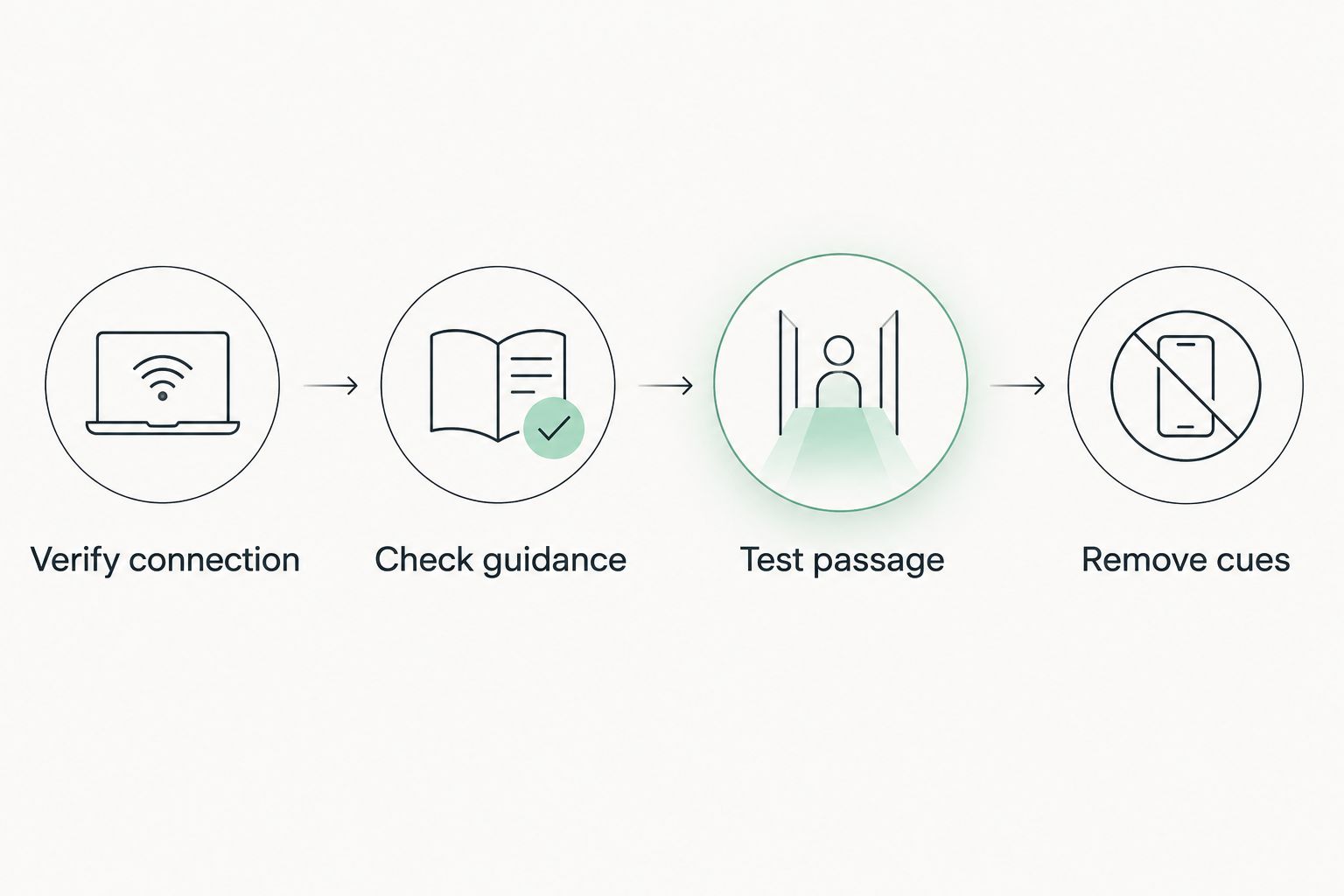
Keep these checks separate. If the app misses notes, investigate the connection before judging the lesson. If the notes register but you cannot play without prompts, change the practice task rather than replacing a working keyboard.
How these setups are ranked
The ranking follows the criteria above: connection, guidance, action, range, feedback, and independent practice. First place serves light-guided song learning; second serves piano technique; third serves compact desk practice.
This is a use-case ranking, not a claim that one instrument has the best action or that one app produces the fastest progress. Your priority decides the winner. A full piano keyboard wins on range, while a compact controller wins on footprint.
For 2026, the deciding question remains practical: does the complete setup teach what you want to learn on the device you actually use?
Which MIDI keyboard and learning app should you choose?
Choose Pianoledshop's light-guided setup if your immediate goal is learning songs by following visible key cues. Choose a MIDI-capable digital piano if piano technique and full keyboard range come first. Choose a compact MIDI controller if you need a desk-based practice setup and accept its range and sound-source requirements.
For an undecided beginner, start with the intended instrument. If you want to play piano, prioritise piano-style action and sufficient range. If you already own a suitable keyboard and want light-led song instruction, evaluate the learning system before replacing the instrument.
Do not replace a usable keyboard until you have checked whether the learning method you want works with it.
FAQ
What's the best MIDI keyboard with a learning app for a beginner?
The best setup depends on the beginner's learning goal. Piano LED Plus 2026 suits light-guided songs, a MIDI-capable digital piano suits piano technique, and a compact MIDI controller suits desk practice.
Is Piano LED Plus 2026 a MIDI keyboard?
Piano LED Plus 2026 is an LED-light-guided learning system, not a keyboard model. Pianoledshop also sells named keyboard bundles; confirm the exact instrument and connection before choosing.
Do I need 88 keys to start learning piano?
You do not need 88 keys for every beginner exercise. An 88-key instrument provides the standard piano range, while a smaller keyboard limits the pieces and arrangements you can play without adjustment.
Is a MIDI controller better than a digital piano for learning?
A MIDI controller is the better fit for compact, software-based practice; a weighted digital piano is the better fit for piano-style touch. A controller-only setup also requires a separate sound source.
Can any learning app work with any USB keyboard?
No—USB alone does not establish compatibility. Confirm that the keyboard sends MIDI and that the exact app and device support its connection.
Do light-guided piano lessons replace reading music?
Light-guided lessons do not replace learning to read notation. They provide visible note cues; independent reading requires practice that connects written music to the keyboard.
What should I check before choosing a keyboard and app in 2026?
Check the complete connection, key action, keyboard range, teaching method, and feedback. Then test a short passage and repeat it without prompts to separate successful setup from independent learning.
One last thing
A correct note and a remembered note are different achievements. Finish a practice passage by playing it without watching the lights or screen, even if you need to simplify it. That attempt gives your next session a specific target.