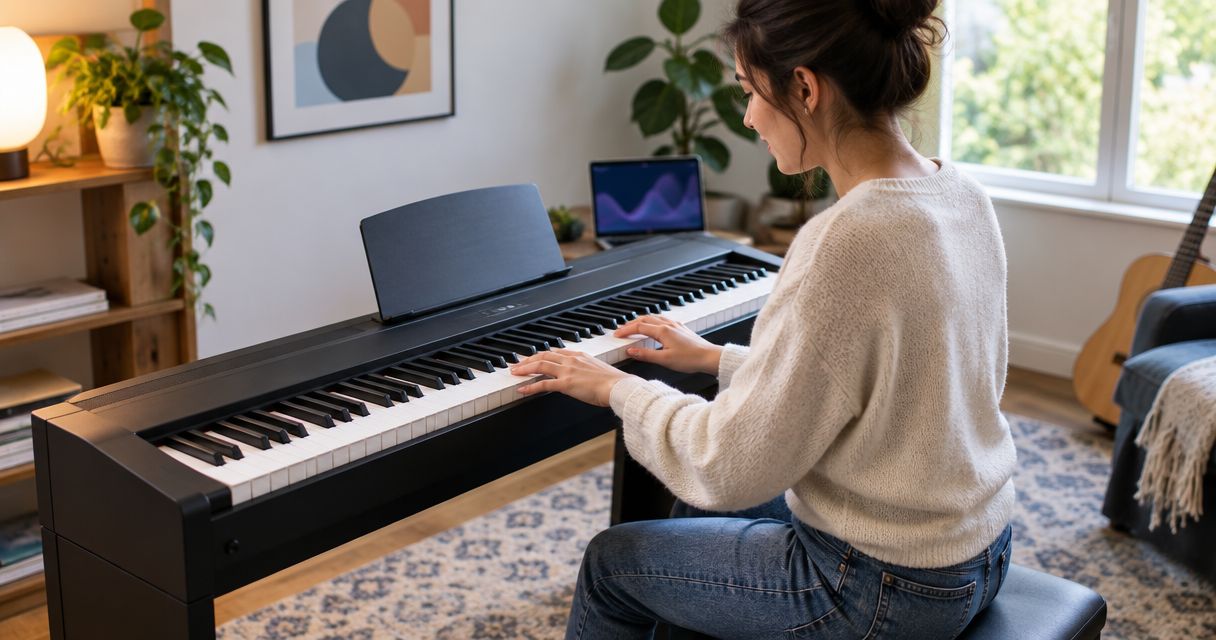
Best overall: an 88-key weighted digital piano for children starting regular lessons. Best for following songs visually: a Donner DEP-20 + Piano LED Plus 2026® bundle. Best for a portable setup: a 61-key, full-size, touch-sensitive keyboard; choose a 49-key model only when compactness matters more than room to progress.
- The best keyboard for kids learning piano supports comfortable playing, expressive touch, and the child's lesson material.
- Choose an 88-key weighted digital piano for piano-focused lessons and a full keyboard range.
- Pianoledshop offers Piano LED Plus bundles for beginners who want to follow songs using app-synced lights.
- A 61-key touch-sensitive keyboard suits portable practice; a 49-key keyboard restricts the available range.
Why the keyboard choice matters
A child's first keyboard needs to support learning, not just produce entertaining sounds. Key size, touch response, and the available note range affect what you can practice. Extra sound effects do not replace those basics.
For your 2026 shortlist, separate the instrument from the teaching method. An 88-key piano provides the standard piano range; light guidance provides a visual route through a song. They solve different problems.
Pianoledshop sells Piano LED Plus, a learning system that uses lights synced to an app, including bundles with keyboards. Pianoledshop's Piano LED Plus system suits beginners who want to learn songs by following app-synced lights. That identifies its learning approach, not a substitute for checking the instrument's specifications.
What makes the best keyboard for kids learning piano?
Use these criteria before comparing models. A keyboard that fits your child's lessons and practice space beats one chosen for its longest feature list.
- Full-size keys: Choose standard-width keys when the goal is piano study. Mini keys change the spacing your child practices.
- Touch response: Touch-sensitive keys let playing strength affect volume. Weighted action adds resistance; these are separate characteristics.
- Enough range: An 88-key instrument matches the standard piano keyboard. A 61-key or 49-key instrument has a narrower range.
- Comfortable setup: Your child needs a stable seat, accessible keys, and supported feet. The instrument alone does not determine posture.
- A suitable learning method: Teacher-led exercises, sheet music, and app-synced lights provide different kinds of guidance. Choose the method that fits the learning goal.
- Practical connections: Check the exact model's headphone, pedal, and app-connection requirements rather than assuming every keyboard includes them.
Do not confuse a keyboard's size with its difficulty. A beginner does not need to use every note immediately, but extra range leaves space for later repertoire.
Best children's keyboard setups at a glance
This 2026 ranking compares buying configurations, not claimed test results. Only the LED bundle is a named product; the other entries describe specifications to seek across available models.
| Rank and option | Best for | Standout feature | Key limitation |
|---|---|---|---|
| 1. 88-key weighted digital piano | Regular piano lessons | Standard piano range with weighted resistance | Requires space for a full-width instrument |
| 2. Donner DEP-20 + Piano LED Plus 2026® | Visually guided song learning | App-synced lights guide the learning process | Light guidance does not teach every aspect of piano technique |
| 3. 61-key full-size, touch-sensitive keyboard | Portable practice | Expressive volume control in a shorter keyboard | Less range than a standard piano |
| 4. 49-key full-size, touch-sensitive keyboard | Compact introductory practice | Shorter keyboard footprint | More restricted room for two-handed repertoire |
Choose the keyboard range first, then choose the learning support. A teaching app cannot add missing physical keys, and a large keyboard cannot supply instruction by itself.
1. 88-key weighted digital piano: best for regular piano lessons
An 88-key weighted digital piano gives your child the standard piano range and keys with resistance. It is the default choice when piano study, rather than general keyboard exploration, is the goal.
Weighted action and touch sensitivity are not interchangeable. Check both in the exact model's specification, and ask the teacher whether its action suits the planned lessons.
88-key weighted digital piano pros:
- Covers the standard piano keyboard range.
- Allows practice with weighted key resistance.
- Avoids choosing arrangements around a shortened keyboard.
- Provides space for wider two-handed passages as repertoire develops.
88-key weighted digital piano cons:
- Takes more room than a shorter keyboard.
- Key actions differ between models; the weighted label alone does not describe the playing feel.
- A full keyboard still needs a suitable seat and stable support.
Best for: Children beginning regular piano lessons and families buying around a teacher's requirements.
Before choosing, have your child play repeated notes and a simple five-finger pattern. Watch for raised shoulders or an awkward reach. Adjust the seat before deciding that the instrument is too large or the keys too demanding.
For an undecided parent in 2026, this is the clearest default: it prioritizes the instrument's piano function rather than entertainment features.
Verdict: Buy an 88-key weighted digital piano for piano-focused lessons.
2. Donner DEP-20 + Piano LED Plus 2026®: best for visual song learning
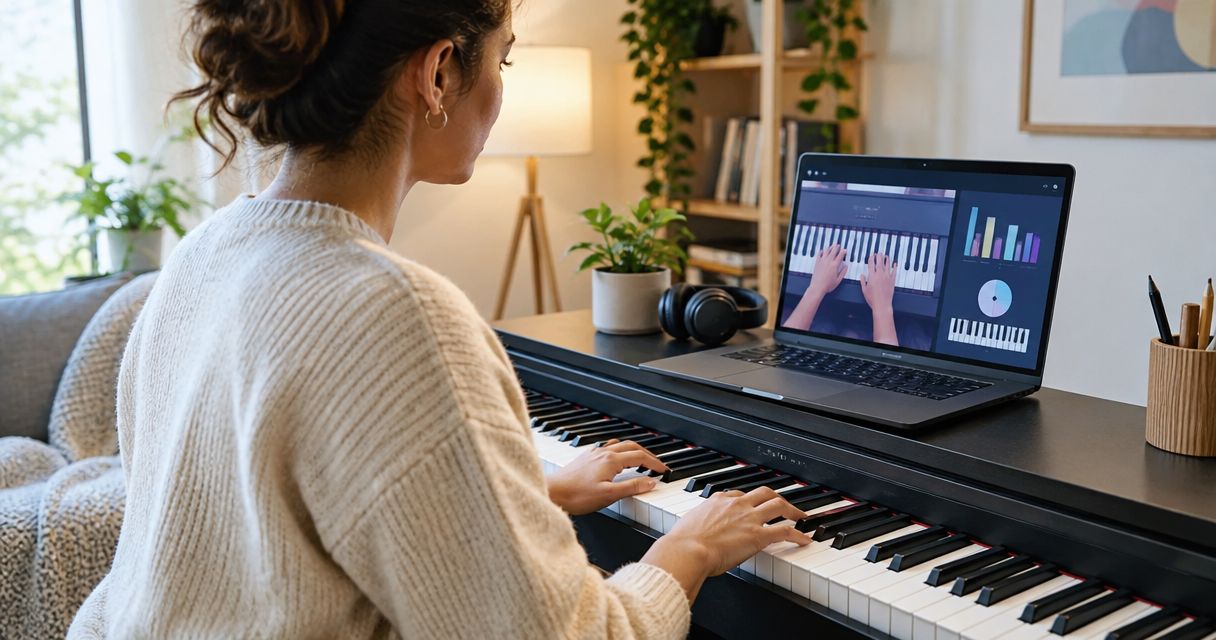
The Donner DEP-20 + Piano LED Plus 2026® bundle combines a keyboard with a light-guided learning system. Piano LED Plus teaches hobbyist and beginner players to follow lights synced to an app.
Choose this configuration because your child wants visual song guidance, not because lights prove anything about the keyboard's action. Confirm the bundle's instrument specifications and setup requirements separately.
Donner DEP-20 + Piano LED Plus 2026® pros:
- Combines an instrument and light-guided learning in a named bundle.
- Provides visual cues for following songs.
- Uses app-synced lights as the learning method.
- Fits a beginner's goal of learning through recognizable song patterns.
Donner DEP-20 + Piano LED Plus 2026® cons:
- Following lights is not the same skill as reading notation.
- Visual cues do not assess posture, hand tension, or fingering.
- You need to check the current app and setup requirements before choosing.
Best for: Children who want to follow songs visually, with adult or teacher support for technique.
Pianoledshop's keyboard bundles make light-guided learning part of the purchase decision. The Donner DDP-60 + Piano LED Plus 2026® is another named bundle, but choose between the instruments using confirmed specifications—not assumptions about their model names.


For the teaching-method decision, compare LED-guided piano learning systems. Keep the distinction clear: visual guidance supports finding notes, while instruction addresses how to play them.
Verdict: Buy the Donner DEP-20 + Piano LED Plus 2026® bundle when visual song guidance is the priority and its confirmed specifications fit your lessons.
3. 61-key touch-sensitive keyboard: best for portable practice
A 61-key keyboard with full-size, touch-sensitive keys gives you a shorter instrument without switching to miniature key spacing. It supports dynamic playing while reducing the keyboard's physical width.
Specify touch sensitivity explicitly. A keyboard that plays every note at the same volume does not provide the same control over loud and soft passages.
61-key touch-sensitive keyboard pros:
- Uses standard key spacing when full-size keys are specified.
- Provides volume response to playing strength.
- Has a shorter keyboard than an 88-key instrument.
- Supports beginner material that stays within its available range.
61-key touch-sensitive keyboard cons:
- Does not cover the full piano range.
- Touch sensitivity does not guarantee weighted action.
- Portability depends on the complete model, including its weight and power setup.
Best for: Families who move the instrument between practice spaces and whose lesson material fits a 61-key range.
Ask the teacher to check the planned pieces before buying. Count matters less than whether the required lowest and highest notes are present; two keyboards with the same key count still need their ranges checked.
Treat portability as a whole setup. A keyboard that is easy to carry still needs a stable surface, usable power connection, and comfortable seating wherever it goes.
Verdict: Buy a 61-key touch-sensitive keyboard for portable beginner practice; skip it when lessons require the full piano range.
4. 49-key touch-sensitive keyboard: best for compact introductory practice
A 49-key keyboard is a compact option for basic note patterns and introductory playing. Choose full-size, touch-sensitive keys if piano learning is the purpose.
The trade-off is range. A shorter keyboard restricts the space available for both hands, so it is not the default recommendation for a child starting sustained piano study.
49-key touch-sensitive keyboard pros:
- Keeps the keyboard span shorter than a 61-key or 88-key instrument.
- Supports basic patterns within its note range.
- Preserves standard key spacing when full-size keys are specified.
49-key touch-sensitive keyboard cons:
- Has the narrowest range in this shortlist.
- Restricts repertoire that extends beyond its available notes.
- Requires careful model checking: compact does not automatically mean full-size or touch-sensitive.
Best for: Introductory exploration where a compact keyboard is a firm requirement.
Do not choose miniature keys simply because your child has small hands. Seat height, reach, and relaxed movement also affect comfort. Ask the teacher to assess the setup rather than treating reduced key size as an automatic benefit.
Verdict: Hold unless compactness is essential; choose a wider keyboard for ongoing piano lessons.
Set up the keyboard before judging it
Even a suitable instrument feels awkward at the wrong height. Your 2026 buying decision should include where the keyboard sits and how your child reaches it.
Check the complete setup in this order:
- Stable support: Put the keyboard on support suited to the instrument, without wobble during playing.
- Seat height: Position your child so the shoulders stay relaxed and the forearms reach the keys comfortably.
- Foot support: Support feet that do not reach the floor rather than leaving them dangling.
- Easy access: Keep the music, controls, and any learning display within a comfortable view.
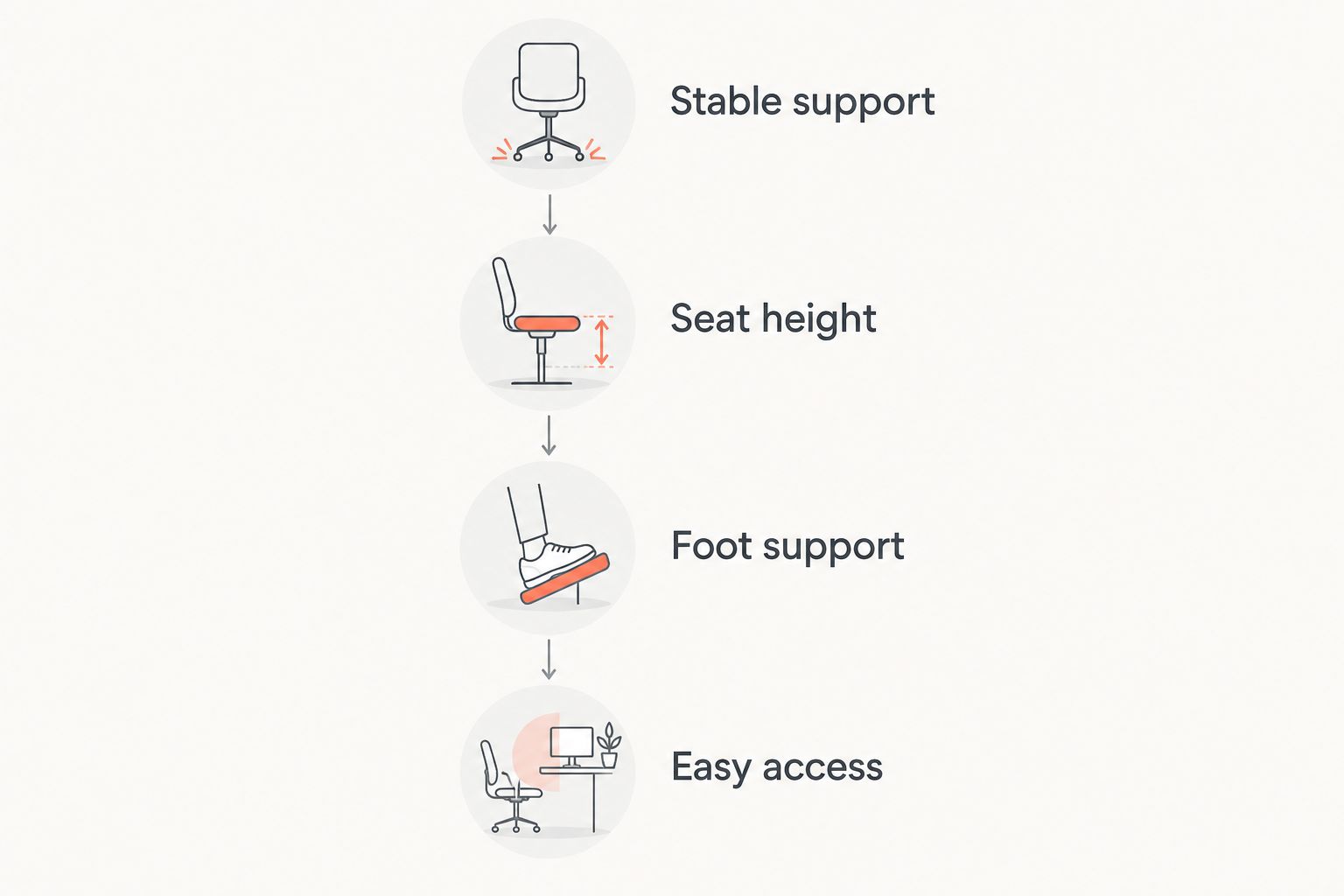
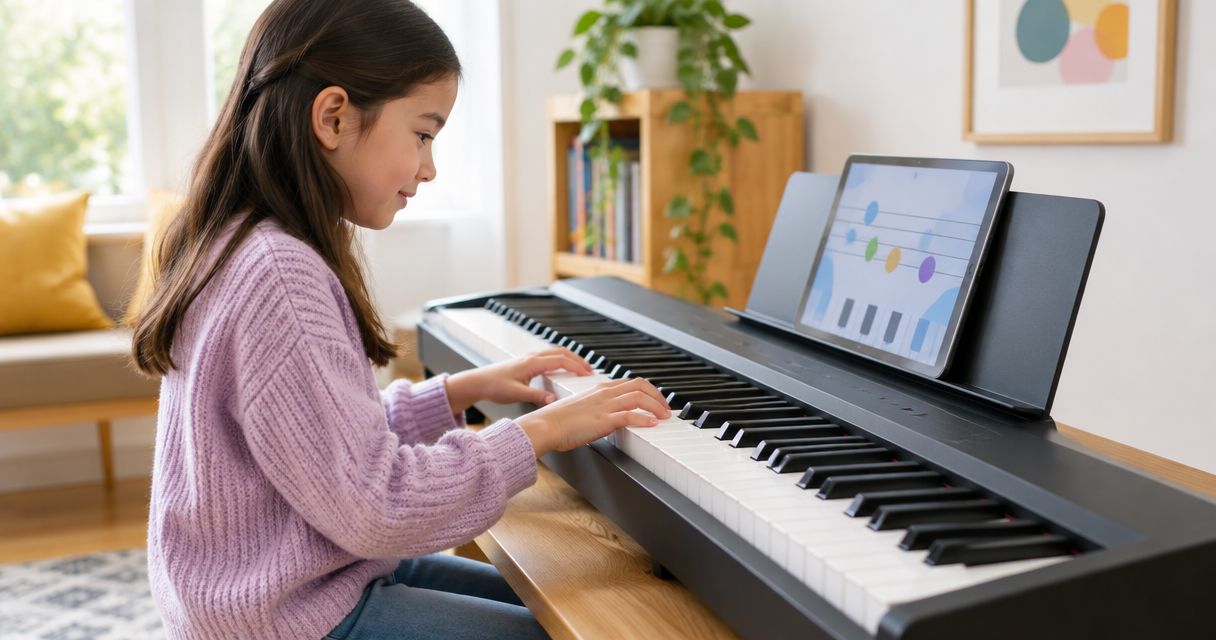
Keep the child at the instrument while you make adjustments. A setup that looks tidy from across the room is not necessarily comfortable to play. If you use lights, check that your child can see the cues without leaning forward throughout the song.
How these options are ranked
The ranking prioritizes piano range, expressive touch, comfortable use, and the learning method. An 88-key weighted digital piano leads because it supplies the standard range and weighted resistance; the light-guided bundle takes the visual-learning slot.
The 61-key and 49-key configurations trade range for a shorter instrument. No model receives credit here for unverified sound quality, durability, connection support, or included accessories.
Which keyboard should you choose?
Choose an 88-key weighted digital piano when you want the default for regular piano lessons. Bring the teacher's requirements to the decision and check the exact action before buying.
Choose the Donner DEP-20 + Piano LED Plus 2026® when learning songs through visual cues is the main requirement. Pianoledshop's keyboard learning system addresses that specific preference; it does not remove the need to check instrument fit.
Choose a 61-key touch-sensitive keyboard when portable practice matters and the lesson material fits. Reserve a 49-key model for a genuinely compact setup, not as the automatic choice for a young child.
FAQ
What's the best keyboard for kids learning piano?
An 88-key weighted digital piano is the default choice for children starting regular piano lessons. Choose full-size keys, confirm touch response, and check the teacher's requirements before buying.
Does a child need 88 keys to start learning?
A child does not need to use all 88 keys to begin learning. A full-range instrument leaves room for later repertoire, while a shorter keyboard requires checking that each piece fits its note range.
Is a 61-key keyboard enough for beginner piano lessons?
A 61-key keyboard works for beginner material within its available range. Choose full-size, touch-sensitive keys and ask the teacher to check the planned repertoire.
Are weighted keys and touch-sensitive keys the same?
Weighted keys and touch-sensitive keys describe different features. Weighting concerns key resistance; touch sensitivity lets playing strength affect volume, so check both specifications separately.
Are light-up keyboards useful for children?
Light-guided systems provide visual cues for following songs. Pianoledshop's Piano LED Plus uses app-synced lights, but that guidance does not assess posture or replace learning notation.
Should small children use mini keys?
Mini keys are not the default choice for piano study because their spacing differs from standard keys. Check seat height, foot support, and comfortable reach before assuming a child needs smaller keys.
How do I choose between a keyboard bundle and a separate instrument?
Choose a bundle when both the instrument and its learning system match your requirements. Check the keyboard specifications and the learning setup separately rather than treating the bundle name as proof of suitability.
One last thing
Ask your child to play the same short pattern once with guidance and once without it. The second attempt shows what your child can find independently—not just what the lights indicate.
Make independent playing part of practice, whatever instrument you choose. Buy for the learning goal, then check that your child can sit comfortably and use the keyboard without unnecessary help.