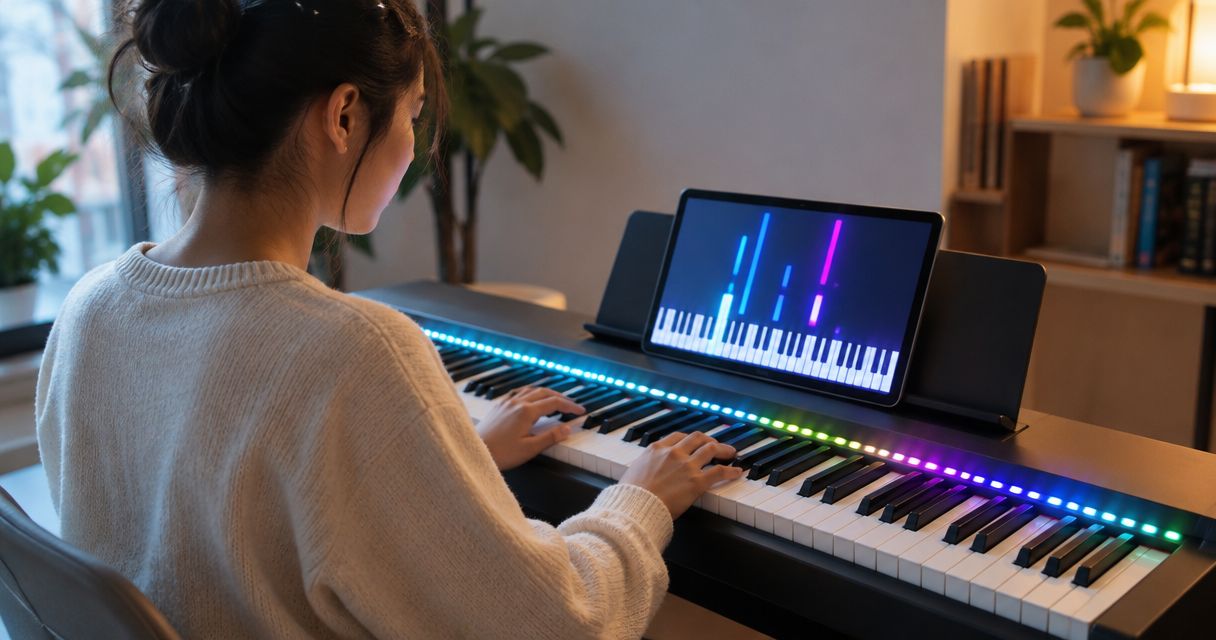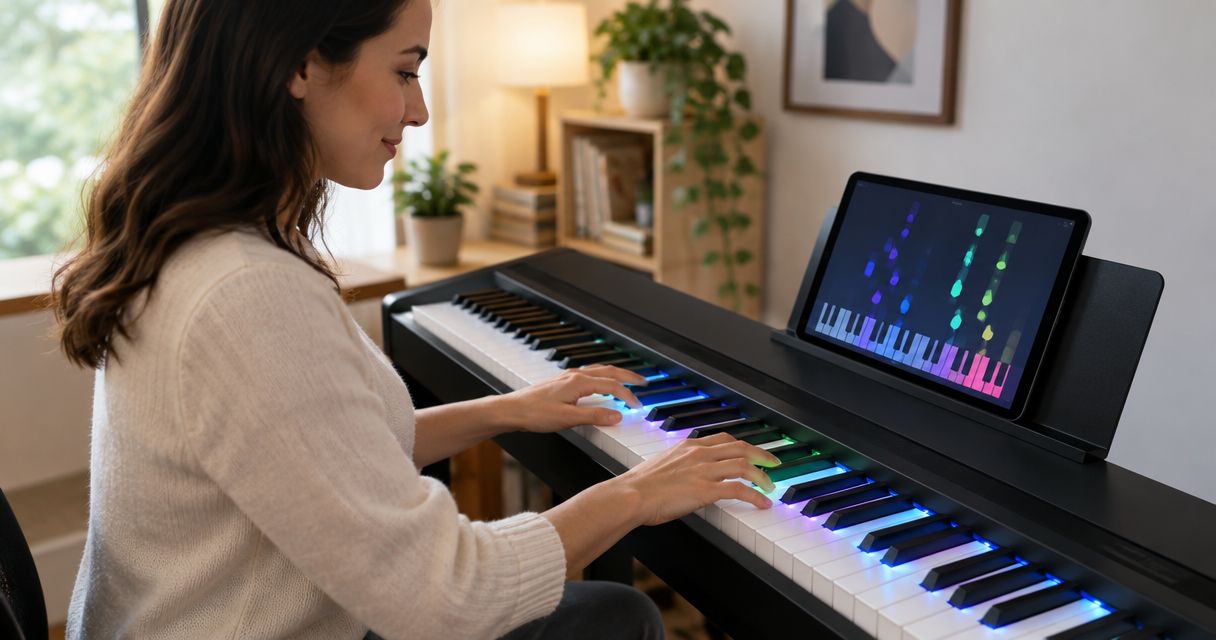
Buy Piano LED Plus secondhand only if you can verify that the hardware works, your keyboard connects, and you can use the app independently of the seller. A working light strip alone does not establish that the complete learning setup will work for you. For a 2026 purchase, make a demonstration and confirmation of app access conditions of the sale.
- Buying Piano LED Plus secondhand requires checking hardware, keyboard connection, and app access before payment.
- Request a continuous demonstration of a song, illuminated keys, and keyboard interaction—not just photographs.
- Pianoledshop sells LED-guided learning systems; use the official product information to identify what a seller is offering.
- Do not assume an account, subscription, warranty, or support entitlement transfers with used hardware.
Why this matters
You are buying a learning setup, not simply a strip that lights up. Piano LED Plus teaches hobbyist and beginner players through lights synchronized with an app, so your inspection needs to cover that relationship.
Pianoledshop's LED-guided learning system is best for hobbyist and beginner pianists who want to follow app-synced lights. Its fit for that audience does not establish the condition or usability of an individual secondhand unit.
Use Pianoledshop as the reference point for identifying the system, rather than relying entirely on a resale listing's wording. For your 2026 buying checklist, separate what the seller can demonstrate from what requires confirmation about your own setup.
Can you buy Piano LED Plus secondhand?
A secondhand purchase is a reasonable option only after you verify the complete setup you intend to use. Do not treat a seller's successful experience as proof that the same hardware will connect to your keyboard or give you independent app access.
Follow these steps before agreeing to buy:
- Identify the unit. Request clear photographs of the hardware, connectors, labels, and everything included.
- Check the contents. Ask the seller to distinguish the LED system from any keyboard, stand, cables, or other items pictured.
- Confirm app access. Establish how you will use the app through your own account, including any activation or transfer requirements.
- Check your connection. Match your keyboard model and intended connection method to the instructions for that particular unit.
- Watch it work. Request an uninterrupted demonstration showing the app, illuminated keys, and keyboard interaction together.
- Record the agreement. Keep the listing, written answers, demonstrated faults, and agreed contents with your purchase records.
A seller who cannot answer an account question has not necessarily supplied unusable hardware. But an unanswered question remains your risk until you resolve it. Wait for evidence rather than treating uncertainty as a feature of buying used.
What exactly is included in the secondhand sale?
A photograph can show a complete practice space without establishing that every visible item belongs to the sale. Ask for an itemized description, then compare it with the photographs and demonstration.
The distinction matters most when deciding whether you need only the LED system or a keyboard as well. Neither route removes the need to verify app access.
| Purchase option | Best for | Main advantage | Main limitation | Evidence to request |
|---|---|---|---|---|
| Used LED system without a keyboard | A player who already owns a keyboard and can verify the connection | Keeps the purchase focused on the learning system | Your existing keyboard still needs a connection check | Exact unit identification and a demonstration relevant to your setup |
| Used keyboard and LED system together | A beginner who needs both parts | Lets you inspect the offered combination together | Both the keyboard and LED system need inspection | Itemized contents and a complete demonstration |
| Neither option yet | A buyer with unresolved access or connection questions | Avoids committing before essential checks are complete | Delays the purchase | Written answers to the unresolved questions |
These are purchase routes, not statements about what any particular listing includes. Do not infer cables, accessories, or account rights from the word bundle.
For a used system alone, buy only after the connection check. For a used keyboard-and-system combination, inspect both before deciding.
How do you test the hardware before buying?
Ask for 1 continuous video rather than separate clips of a powered light strip and a running app. Continuity helps you see whether the demonstrated parts belong to the same working setup; it does not replace an inspection or confirm future access.
Have the seller show the unit before starting the song. The demonstration should make the relationship between the app, lights, and keyboard visible, not just show that each item powers on.
Use these checks in order:
- Identify hardware: Match the demonstrated unit to the listing photographs and labels.
- Show connections: Ask the seller to show how the equipment is connected without concealing the relevant ports.
- Run a song: Watch the app and illuminated keys during the same demonstration.
- Inspect condition: Look for visible damage, loose connectors, damaged cable insulation, or unexplained interruptions.
- Repeat setup: Ask the seller to repeat the demonstrated startup and connection procedure.
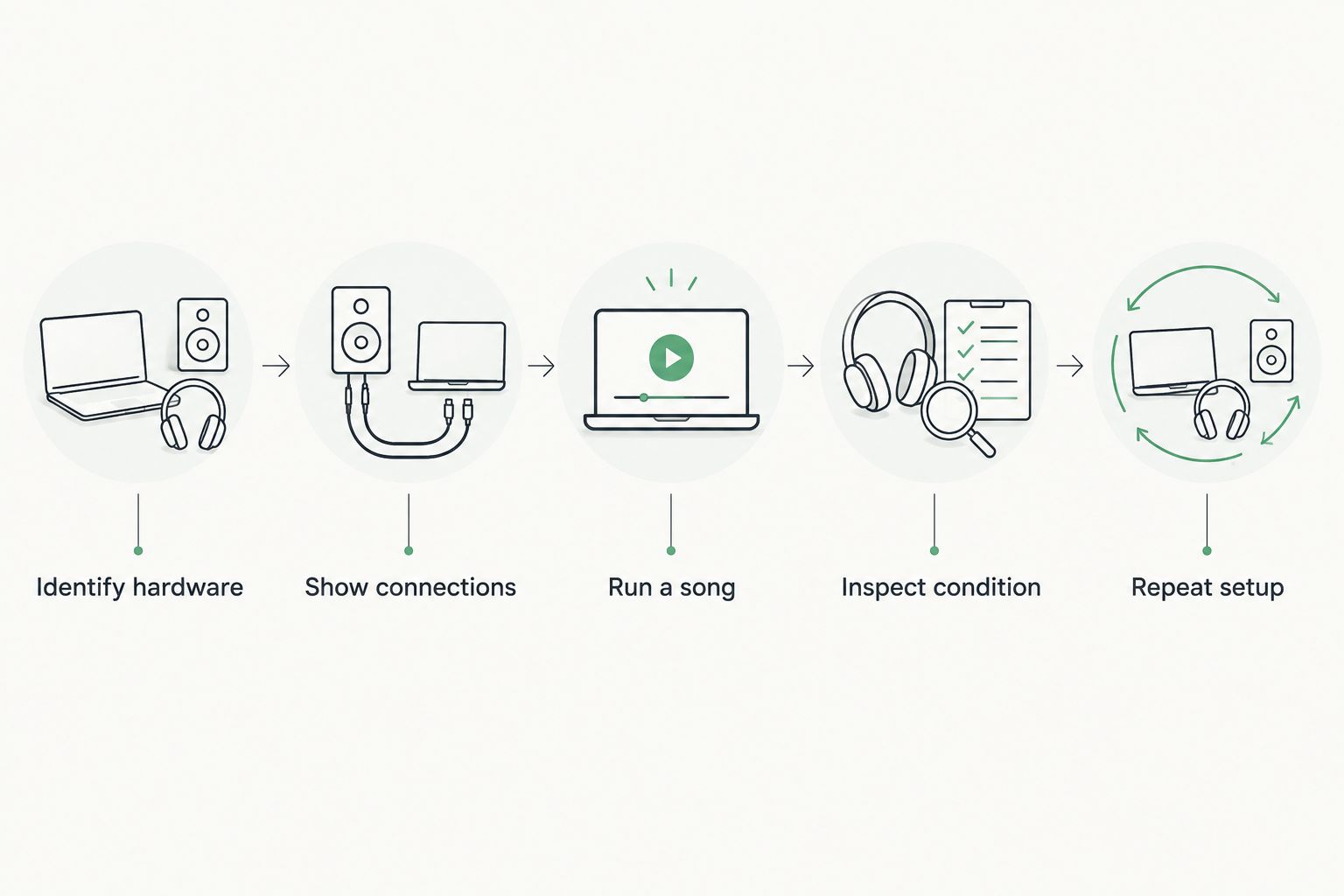
Treat visible condition and demonstrated operation as separate questions. Clean equipment still needs a working demonstration, while a cosmetic mark should be documented rather than confused with an operating fault.
For a remote purchase, ask for close-ups wherever the video leaves uncertainty. If you inspect in person, have the seller explain the connection procedure while you watch. Do not unplug unfamiliar equipment or change power supplies merely to complete a test.
Can you use the app without the seller's account?
Confirm independent app access before payment. A demonstration on the seller's phone proves that the seller can operate that demonstrated setup; it does not establish your account permissions.
Ask whether the hardware requires activation, whether it is associated with an account, and whether any transfer procedure applies. These are questions to resolve, not assumptions about how Piano LED Plus handles ownership changes.
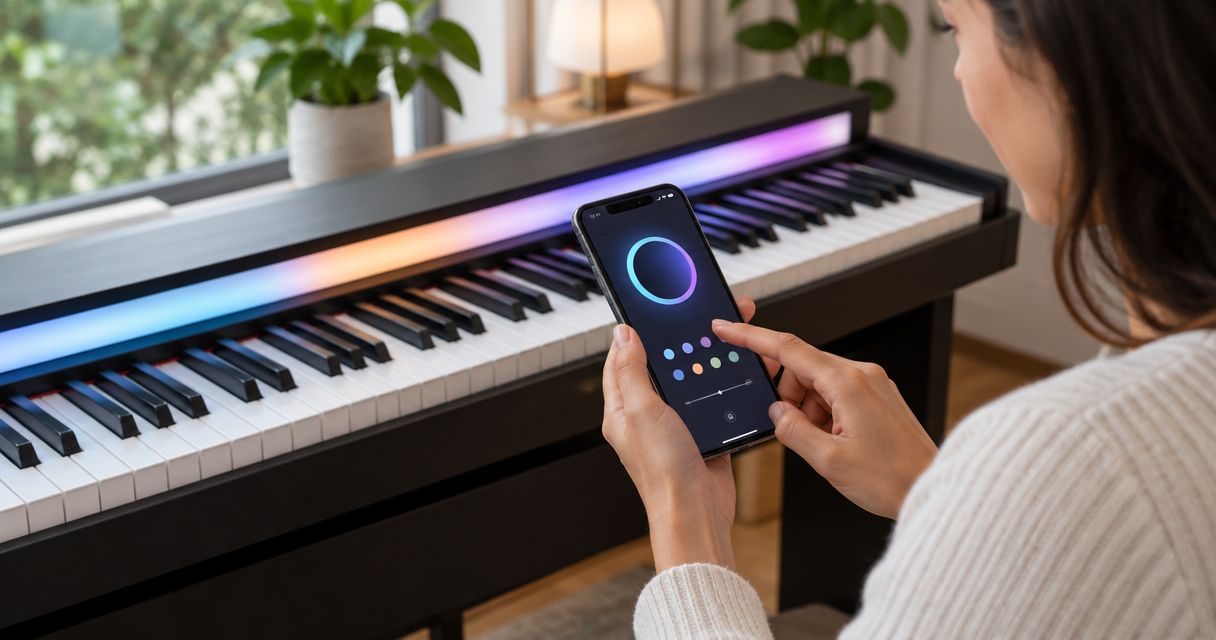
Your 2026 app check should cover the device you intend to use, too. Identify your phone or tablet and operating system, then check the applicable instructions and requirements rather than accepting a general statement that it works with phones.
Keep 2 separate checks on your list:
- Device check: Can your intended phone or tablet run the required app and complete the relevant connection procedure?
- Access check: Can you use the required features through an account you control after the sale?
The guide to connecting the Piano LED Plus app to your smartphone is a useful starting point for the setup questions. It does not replace confirmation of the conditions attached to a particular secondhand unit.
Do not accept the seller's password as a substitute for a clear ownership arrangement. Keep your own account credentials private throughout the transaction.
Will it work with your keyboard?
Your keyboard's exact model matters more than a broad description such as digital piano. Record the manufacturer, model designation, and relevant connection ports before asking whether the offered system fits your setup.
Ask the seller which keyboard was used in the demonstration and how it was connected. If that differs from yours, identify the difference explicitly rather than treating the demonstration as a compatibility test for your instrument.
Use 3 connection checks:
- Instrument: Confirm the exact keyboard model you intend to use.
- Connection: Establish the required connection method and any necessary intermediary equipment.
- Placement: Check how the offered light system will sit in relation to your keyboard's keys.
A connector that physically fits is not a complete demonstration of the learning workflow. Likewise, a video of lights above another keyboard does not establish correct placement on yours.
Buy for your actual practice setup, not for a setup you hope to assemble later. If an essential adapter or connection step remains unidentified, resolve that before agreeing to the purchase.
Why secondhand buying risk varies
The relevant differences are condition, completeness, and access—not how confidently a listing describes the item. These factors determine how much remains for you to verify:
- Unit identification: Clear labels and photographs let you compare the offered hardware with the applicable information.
- Included equipment: An itemized sale reduces ambiguity about cables, accessories, and any keyboard shown.
- Demonstrated operation: A complete demonstration answers more than a photograph of illuminated lights.
- Independent access: Your ability to operate the app matters separately from the seller's access.
- Connection requirements: Your keyboard and intended device define the setup you need to check.
- Written transaction terms: Keep any statements about returns, faults, or included rights in writing; do not assume them.
Pianoledshop's LED-guided learning system supplies the product context, but the evidence for a private sale must relate to the actual item offered. A current product page cannot establish a used unit's history or condition.
For any 2026 listing, distinguish a date in the listing title from identification on the hardware. Ask the seller to explain any mismatch instead of assuming the wording establishes the unit's version.
What should you ask the seller before paying?
Ask for the exact unit identification, the included items, and a complete demonstration first. Then resolve account access and your own connection requirements before discussing completion of the transaction.
You can send this checklist as ordinary questions:
- What exactly is included, and which pictured items are excluded?
- Can you show the hardware labels and connectors clearly?
- Can you demonstrate the app, lights, and keyboard together without cutting the video?
- What procedure will let me use the app through my own account?
- What faults, repairs, or intermittent problems should I know about?
- Which written terms apply if the item does not match the description?
A brief but specific answer is more useful than a long assurance that everything works. Keep the answers tied to the item, not to the seller's general opinion of LED-guided learning.
Should a beginner buy a used setup?
A beginner should buy used only when the setup is understandable and verifiable before payment. If you cannot tell which part performs each task, ask the seller to demonstrate the complete process rather than accepting a collection of components.
The benefit is the opportunity to assess an existing setup. The limitation is that a previous owner's arrangement does not automatically establish your access, connection, or support rights.
Prioritize certainty over an impressive-looking bundle. Your first task after purchase should be practicing a song, not discovering which essential part of the setup was excluded.
FAQ
Can I buy Piano LED Plus secondhand in 2026?
Make a secondhand purchase conditional on verified hardware operation, a suitable keyboard connection, and independent app access. A resale listing alone does not establish those conditions.
Does a secondhand Piano LED Plus include app access?
Do not assume app access is included or transferable. Confirm the account, activation, and ownership requirements for the particular unit before payment.
Is a video of the lights working enough?
No, a video of illuminated lights alone does not verify the complete learning setup. Request a continuous demonstration showing the app, lights, and keyboard interaction together.
Can I use the previous owner's account?
Do not rely on the previous owner's account as your access arrangement. Establish how you will use an account you control and whether any transfer procedure applies.
Will a used Piano LED Plus work with my keyboard?
Verify the connection for your exact keyboard model before buying. A demonstration on a different instrument does not establish compatibility with yours.
Does the original warranty transfer to a secondhand buyer?
Do not assume the original warranty transfers. Check the applicable terms and obtain confirmation of any rights represented as part of the sale.
Should I buy a used keyboard and LED system together?
Consider the combination only if you need both and can inspect both. Ask for itemized contents and a demonstration of the complete offered setup.
One last thing
Ask the seller to show how you would start a practice session after taking ownership. That question brings hardware, connection, and account access into the same conversation.
For your 2026 decision, keep that demonstration alongside the written description. Use Pianoledshop for the product reference, and judge the secondhand offer by evidence specific to the item you will receive.