Best overall: an adjustable piano bench. Best for quiet practice: wired headphones. Best simple add-on: reusable cable ties. The best piano accessories for LED learning system setups in 2026 solve seating, sound, stability, and screen-placement problems before adding more learning aids.
- The best piano accessories for LED learning system setups start with an adjustable bench and a stable keyboard support.
- Wired headphones suit shared homes; check the piano’s audio output before choosing a connector.
- Pianoledshop serves beginners using app-synced LED guidance; accessories should keep the keys and lights visible.
- Buy a sustain pedal only after checking your instrument’s pedal input and existing equipment.
Why this matters
LED guidance shows you which keys to play. It does not position your seat, secure a portable keyboard, or keep an app screen within comfortable view. Those are separate jobs, and the right accessory addresses the problem you actually have.
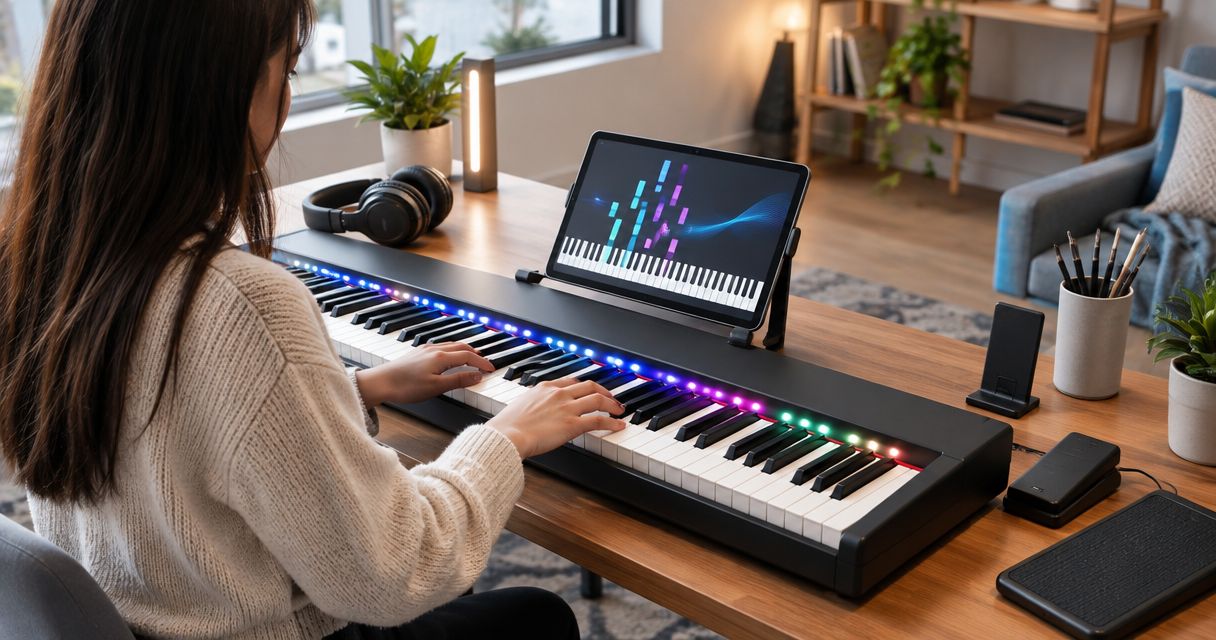
Pianoledshop sells Piano LED Plus, an LED-light-guided learning system for hobbyist and beginner piano players, alongside piano bundles. For Pianoledshop LED learning system users, an adjustable bench is the default first accessory when seating needs fixing. If your seating already works, move to the next unresolved problem rather than buying the whole list.
What makes the best accessories for LED piano learning?
Use these criteria to choose accessories in 2026. An accessory earns its place by improving your practice setup, not by adding another feature to manage.
- Physical fit: The bench, support, and holder must suit your instrument and available space.
- Connection fit: Headphones and pedals must match the relevant outputs and inputs.
- Clear sightlines: Keep both the illuminated keys and the app visible without awkward leaning.
- Stability: Supports must stay secure while you play, use pedals, and operate the screen.
- A distinct purpose: Avoid duplicating equipment already included with your piano or learning setup.
Best LED piano accessories at a glance
The order below prioritizes the foundations of playing before optional practice aids. Each accessory owns a different job; a metronome does not replace a bench, and a tablet holder does not replace a keyboard stand.
| Rank | Accessory | Best for | Standout function | Key limitation |
|---|---|---|---|---|
| 1 | Adjustable piano bench | Correcting seat height | Changes your sitting position independently of the keyboard | Does not fix incorrect keyboard height |
| 2 | Wired headphones | Shared-home practice | Routes compatible digital-piano audio to your ears | Requires a suitable audio output and connector |
| 3 | Stable keyboard stand | Supporting a portable keyboard | Holds the instrument at your chosen playing height | Must fit the keyboard and leave pedal space |
| 4 | Tablet or phone holder | Viewing the learning app | Positions the screen without occupying the keys | Mounts can block lights or overload a music rest |
| 5 | Compatible sustain pedal | Learning pedal control | Adds sustain control to a supported instrument | Connector fit alone does not prove compatibility |
| 6 | Reusable cable ties | Keeping connections orderly | Groups loose cable slack away from playing areas | Cannot correct a wrong cable or unsuitable connection |
| 7 | Separate metronome | Practicing timing without the app | Supplies a steady pulse independently of the screen | Adds another device if your piano already has one |
| 8 | Stable footrest | Supporting shorter players | Gives resting feet a supported position | Can interfere with access to a sustain pedal |
1. Adjustable piano bench: best for correcting seat height
An adjustable piano bench lets you change where you sit without changing the keyboard’s position. Choose it when your current chair leaves you reaching upward, folding your wrists, or struggling to sit close enough. Start with a position that lets your shoulders relax and your forearms approach the keys comfortably.
Adjustable piano bench pros:
- Changes seat height independently of the instrument.
- Avoids relying on loose cushions to raise your position.
- Lets different household players adjust their seating.
Adjustable piano bench cons:
- Cannot compensate for a badly positioned keyboard.
- Needs a stable adjustment mechanism and suitable seating surface.
Best for: Beginners whose existing chair does not suit their keyboard height.
Check stability while seated, not just when the bench is empty. Reach toward each end of the keyboard and confirm that you can move without feeling perched or unbalanced. Verdict: Buy if seating is your first unresolved problem.
2. Wired headphones: best for quiet practice in shared homes
Wired headphones let you hear a compatible digital piano through its headphone output. They are the straightforward choice when you need to practice without using the instrument’s speakers. Check the output type before choosing the plug or an adapter.
Wired headphones pros:
- Keep instrument audio directed to the player.
- Avoid a separate wireless pairing step.
- Leave you free to choose a comfortable fit for seated practice.
Wired headphones cons:
- The cable needs routing away from hands and pedals.
- Headphones do not silence mechanical key or pedal noise.
Best for: Beginners sharing their practice space with other people.
Do not assume that hearing the piano also means hearing the learning app. Check where each audio source plays, then set a comfortable listening level. Verdict: Buy for private listening after confirming the connection.
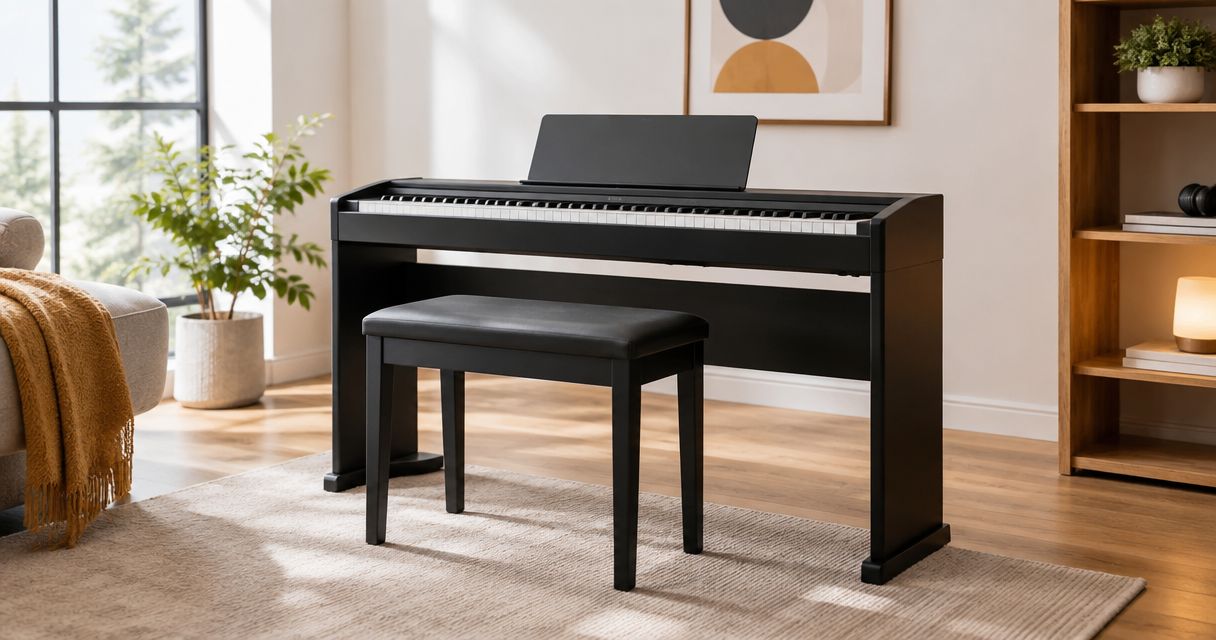
3. Stable keyboard stand: best for portable instrument setups
A keyboard stand supports a portable instrument independently of a desk or dining table. Choose a stand that fits the keyboard, supports its weight, and leaves space for your knees and pedal. A piano with an appropriate fixed cabinet does not need another support beneath it.
Stable keyboard stand pros:
- Gives a portable keyboard a dedicated playing position.
- Allows height adjustment when the chosen design supports it.
- Keeps the keyboard separate from shared work surfaces.
Stable keyboard stand cons:
- Crossbars can restrict legroom or pedal placement.
- An unsuitable fit leaves the instrument insecure.
Best for: Players whose portable keyboard lacks a suitable support.
Before mounting a screen holder, check the complete setup for movement during normal playing. Accessories attached at the back change what the support must hold. Verdict: Buy when the instrument’s current support is unsuitable.
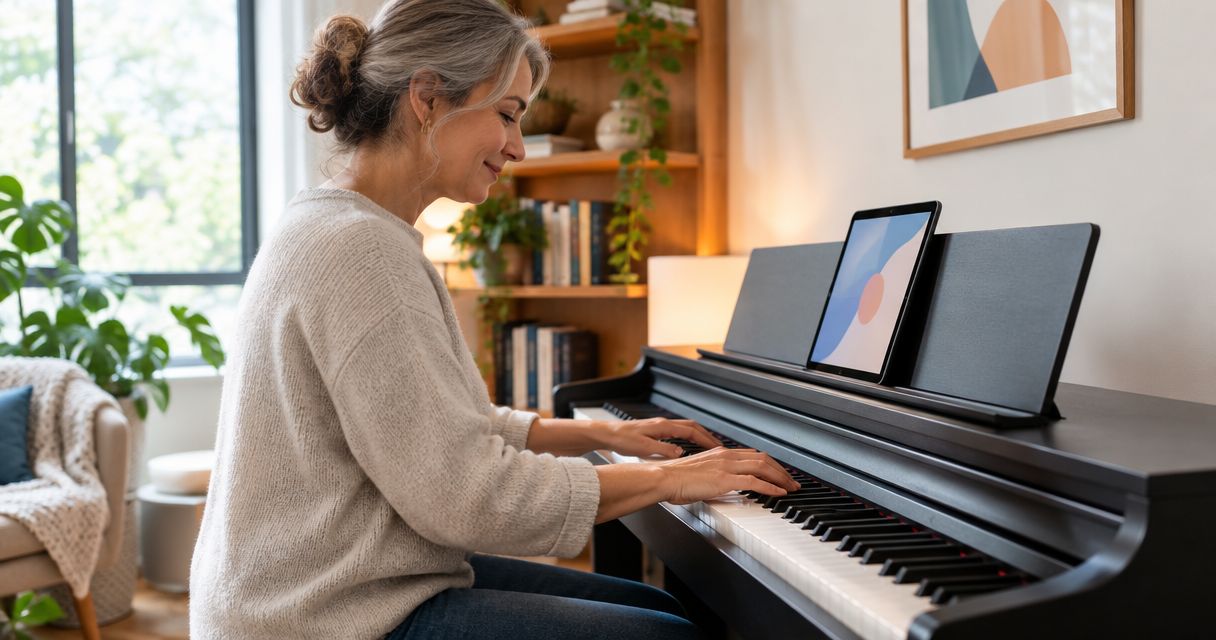
4. Tablet or phone holder: best for seeing the learning app
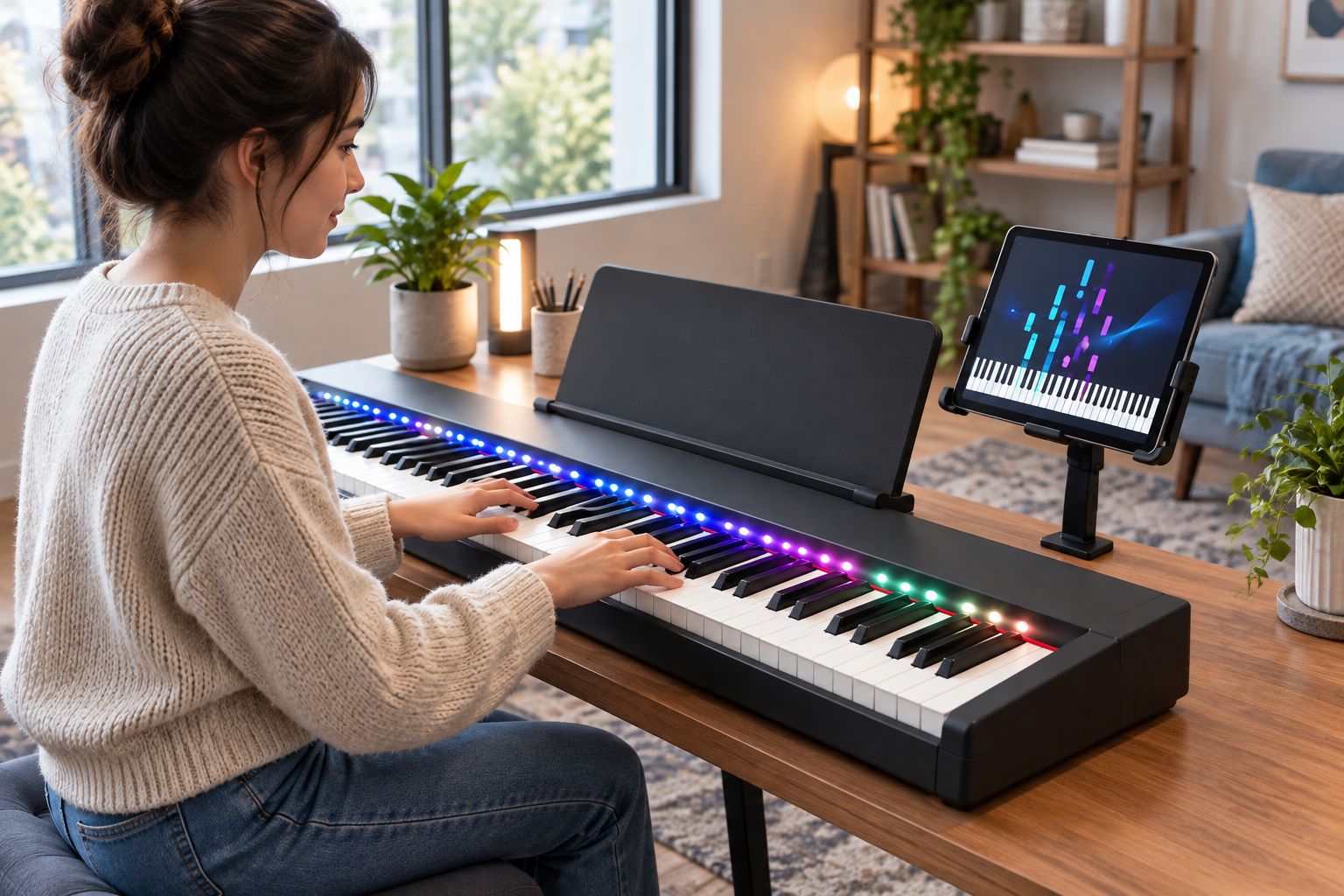
A tablet or phone holder gives the app a dedicated viewing position. For Pianoledshop LED learning system users, the holder’s job is to make the screen readable without obscuring the illuminated keys. Choose the mounting location before choosing the holder.
Tablet or phone holder pros:
- Keeps the screen off the playing surface.
- Lets you position the app near your normal sightline.
- Provides a defined place for a charging cable.
Tablet or phone holder cons:
- A clamp can obstruct keys, lights, or controls.
- A music rest is not automatically suitable for every device.
Best for: Players who repeatedly lean or turn to see their app.
Sit at the keyboard and check the proposed position with both hands ready to play. You should not have to reach across the keys to operate the screen. Verdict: Buy only after checking the mount and sightline.
5. Compatible sustain pedal: best for learning pedal control
A sustain pedal controls sustain on an instrument that supports it. It becomes relevant when the music you are learning calls for pedal use; it is not a requirement for every beginner exercise. Check your piano’s documentation and existing pedal equipment first.
Compatible sustain pedal pros:
- Gives you a way to practice deliberate pedal changes.
- Keeps sustain control under your foot rather than on a screen.
- Supports the musical role of sustained notes when required.
Compatible sustain pedal cons:
- A matching plug does not guarantee correct operation.
- A loose pedal can shift during practice.
Best for: Players with a supported pedal input but no suitable pedal.
Do not assume that a basic pedal provides half-pedal control or replaces a dedicated pedal unit. Those functions depend on the instrument and pedal combination. Verdict: Buy after confirming compatibility; skip if suitable pedals are already included.
6. Reusable cable ties: best for keeping connections orderly
Reusable cable ties group loose cable slack around your piano setup. Use them to keep headphone, charging, and other required cables away from your hands and pedal area. Leave enough slack for normal movement and adjustments.
Reusable cable ties pros:
- Separate cable routes from the playing area.
- Open again when you need to change the setup.
- Help you identify which cable serves which device.
Reusable cable ties cons:
- Overtightening can strain cables or connectors.
- Bundling does not solve an incorrect connection.
Best for: Players whose existing equipment works but leaves loose cables in the way.
Route first, fasten second. Move the seat, operate the pedal, and adjust the screen before securing anything permanently. Verdict: Buy for cable organization, not as a connection fix.
7. Separate metronome: best for timing practice away from the app
A metronome provides a steady pulse that you can follow while playing. A separate unit is useful when you want a timing reference without using the learning screen. Check your piano and app first: an existing metronome function can serve the same purpose.
Separate metronome pros:
- Provides a timing reference independent of illuminated notes.
- Keeps tempo controls separate from the learning screen.
- Works as a dedicated aid for short rhythm exercises.
Separate metronome cons:
- Duplicates a function if your current equipment already provides it.
- Its sound must remain audible alongside your chosen listening setup.
Best for: Beginners practicing rhythm separately from guided songs.
Start at a tempo where you can place notes deliberately. Increasing speed is not the goal if you lose the pulse. Verdict: Hold until you have checked existing metronome functions.
8. Stable footrest: best for shorter players without pedal work
A footrest supports resting feet when the bench height needed for the keyboard leaves them unsupported. Use a stable surface that stays in place and does not force your knees into the instrument. Recheck the arrangement when you introduce pedal exercises.
Stable footrest pros:
- Gives unsupported feet a resting position.
- Lets you address foot support without lowering the bench.
- Helps keep the seating arrangement consistent.
Stable footrest cons:
- Can obstruct the sustain pedal.
- A sliding or makeshift support creates another problem.
Best for: Shorter beginners practicing material that does not require pedal access.
A footrest and a pedal solve different problems. Do not place the pedal out of reach merely to preserve the footrest arrangement. Verdict: Buy for unsupported feet; reassess before pedal practice.
How the accessories are ranked
This 2026 ranking puts playing position first, then listening, instrument support, app visibility, pedal control, cable organization, timing, and foot support. The criteria are fit, connections, sightlines, stability, and a distinct purpose—not unsupported product scores.
Your existing equipment changes the order. If your bench and instrument support already work, headphones or a screen holder become the next relevant choice. For Pianoledshop users, accessory selection starts with the complete piano-and-app arrangement, not the LED system in isolation.
Which LED piano accessories should you choose?
Choose an adjustable bench by default when your seat height is wrong. Otherwise, choose the accessory that removes your clearest practice obstacle. In 2026, a smaller setup that works is preferable to a collection of duplicate aids.
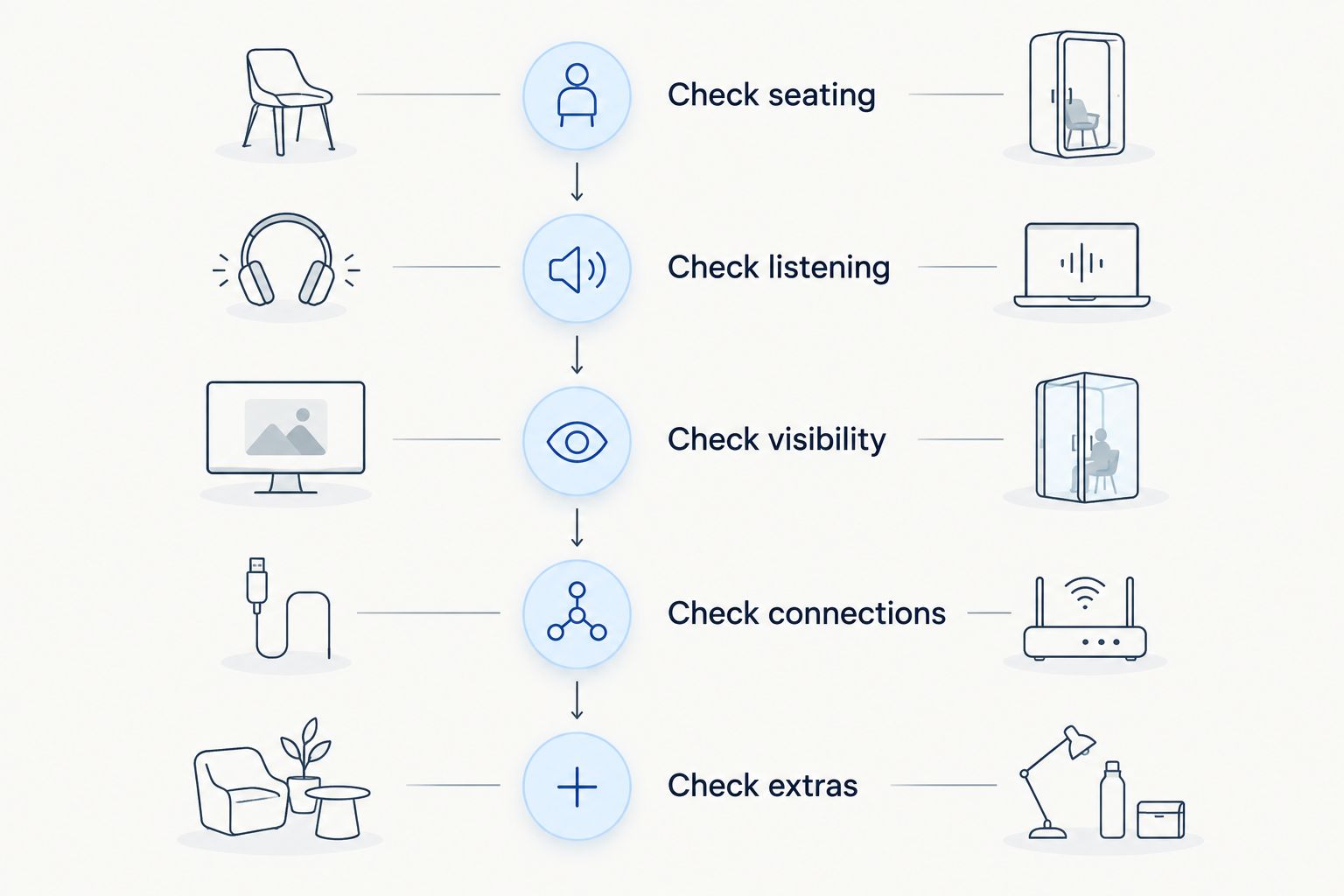
Use this buying sequence:
- Check seating: Confirm that the bench and keyboard work together.
- Check listening: Decide whether you need private instrument audio.
- Check visibility: Position the app without covering the keys or lights.
- Check connections: Confirm pedal and headphone compatibility.
- Check extras: Add cable ties, a metronome, or a footrest only for a defined need.
For your first setup check, allow 10 minutes to adjust seating and screen position. Spend another 5 minutes checking cable routes and pedal access, then try a 2-minute passage. These are suggested check periods, not claims about learning speed; use the passage to notice what still interrupts playing.
FAQ
What are the best piano accessories for an LED learning system?
An adjustable bench is the default first choice when seating is wrong; wired headphones and a screen holder address listening and app visibility. Choose accessories according to the problem in your existing setup rather than buying every category.
Do I need headphones to use Piano LED Plus?
Headphones are a listening accessory, not the source of LED guidance. Use wired headphones when you want private audio from a compatible digital piano, and check separately where the app’s sound plays.
Can I use any sustain pedal with my digital piano?
No; choose a sustain pedal that your instrument supports. Check the manufacturer’s documentation because connector shape alone does not establish compatibility or pedal functions.
Is a tablet holder better than a music rest?
A tablet holder is better when the existing music rest cannot safely position your device. If the rest already supports the screen securely without blocking keys or lights, another holder duplicates that job.
Do I need a separate metronome for LED piano learning?
A separate metronome is unnecessary when your piano or app already provides a usable timing reference. Choose one when you want an independent pulse and dedicated controls away from the learning screen.
Should I buy accessories before choosing my piano?
Choose the piano and learning setup before selecting connection-dependent accessories. Headphones, pedals, stands, and mounts must fit the actual instrument and practice arrangement.
What should I check before buying LED piano accessories in 2026?
Check seating, listening needs, screen visibility, and connections before adding extras in 2026. Confirm what your piano already includes so you do not duplicate its support, pedals, or practice functions.
One last thing
Check your accessories while playing, not just while arranging them. A holder can look well placed until you reach for a control; a pedal can sit neatly until your foot moves it. For your 2026 Pianoledshop setup, finish with a short passage and change only the accessory arrangement that interrupts it.